
How to Schedule Linux Server Backup in Network Attached Storage (QNAP).
Login to your Drive
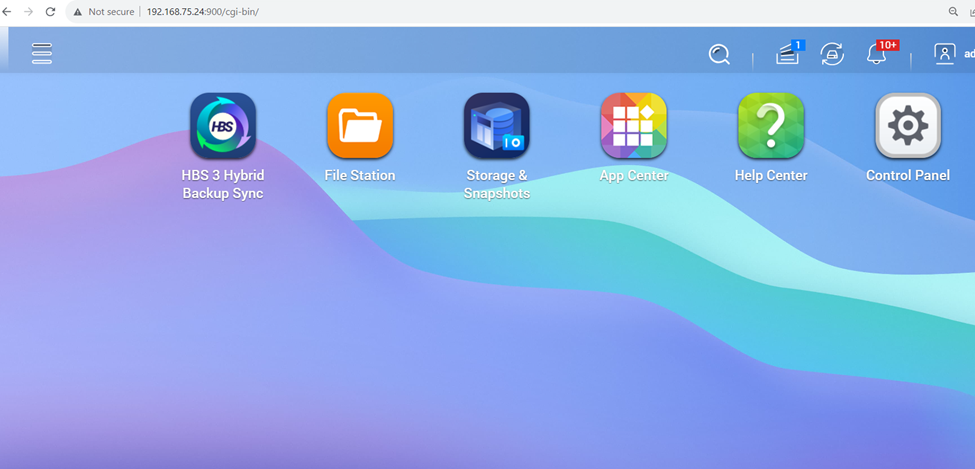
Once login to your Qnap NAS Server go to HBS Hybrid Backup Sync
Now to to Sync option click to start sync option

Click to Create new Sync Users
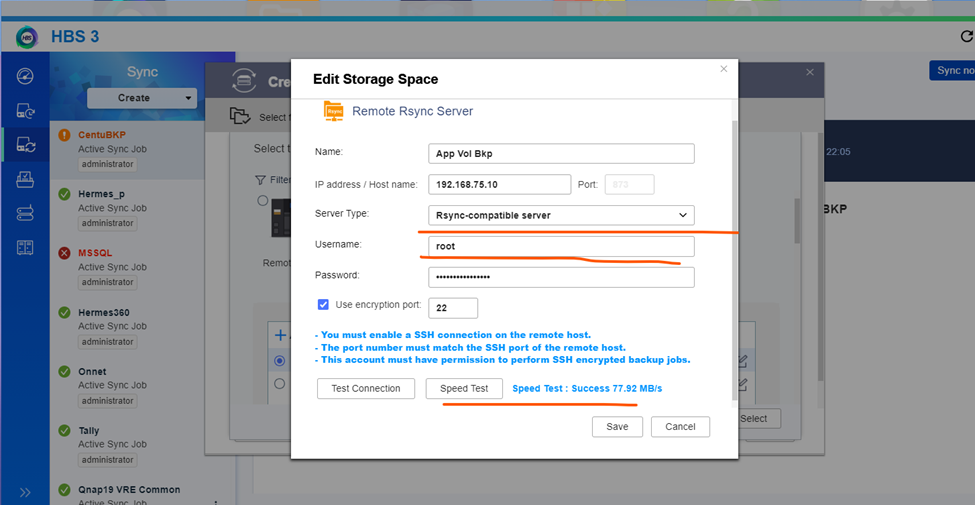
So, now click to select the Linux server for backup initialization
And click to create synchronization job
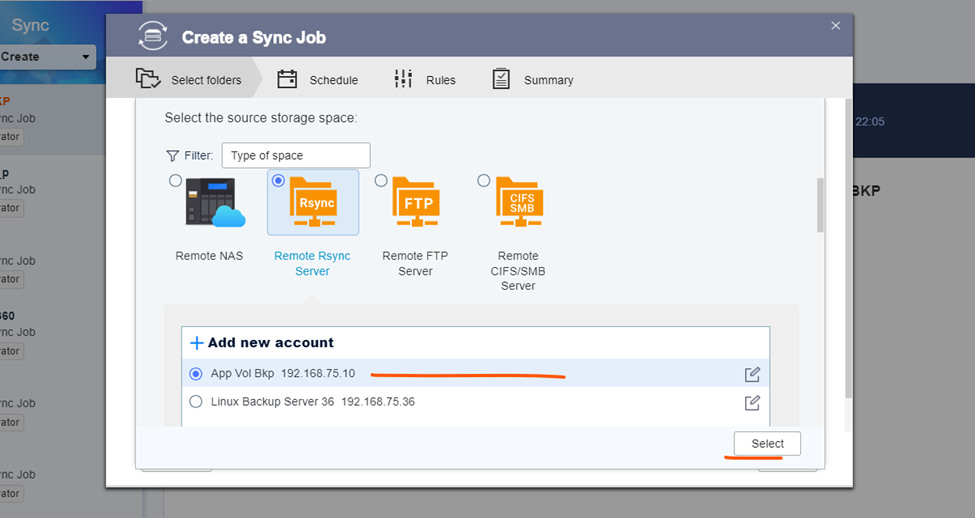
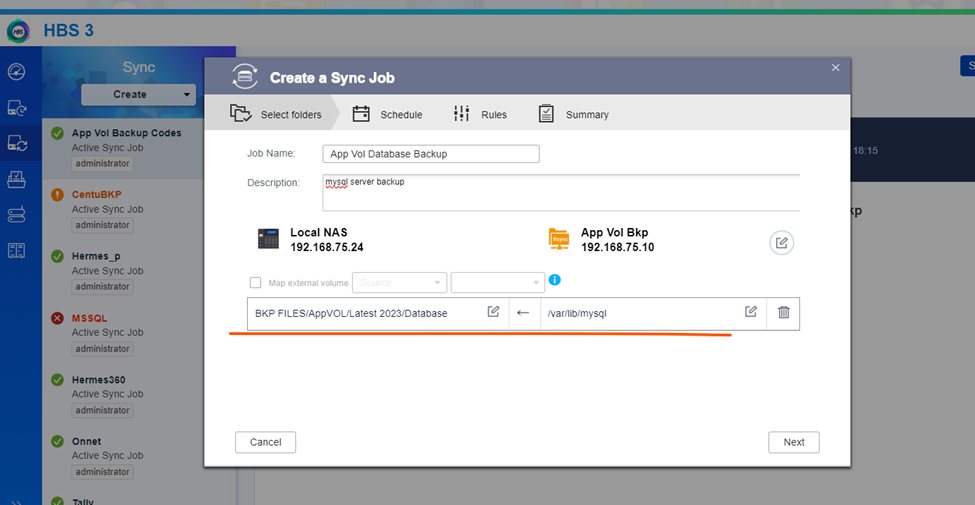
Select the backup Directory and destination
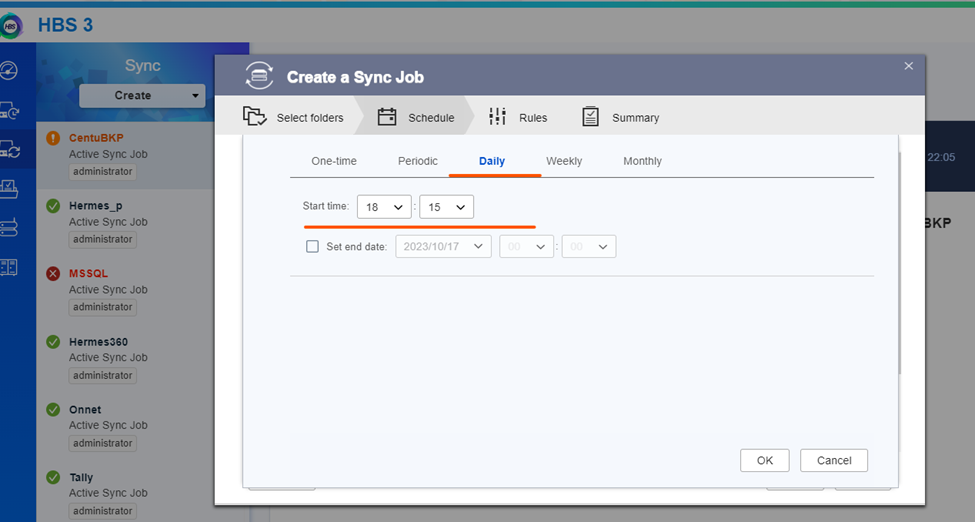
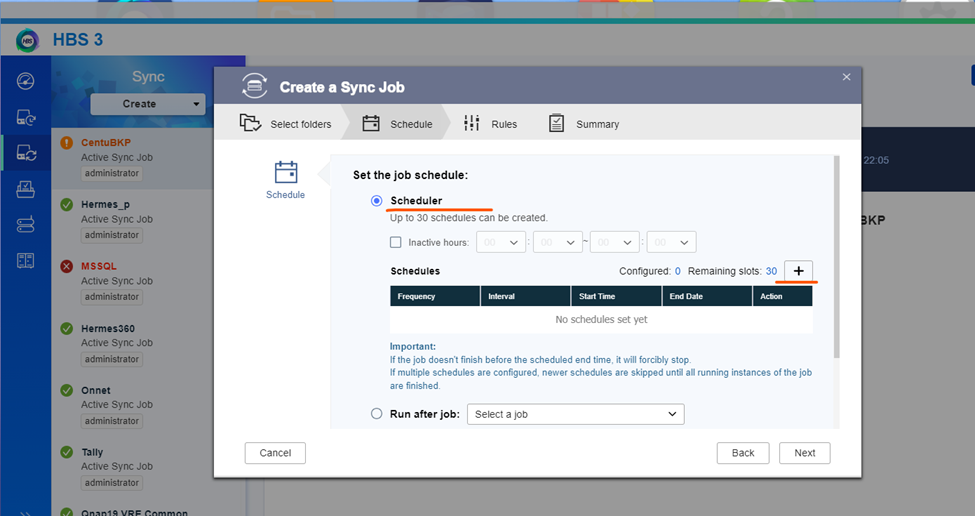
Click to next and create the Linux server daily schedule backup
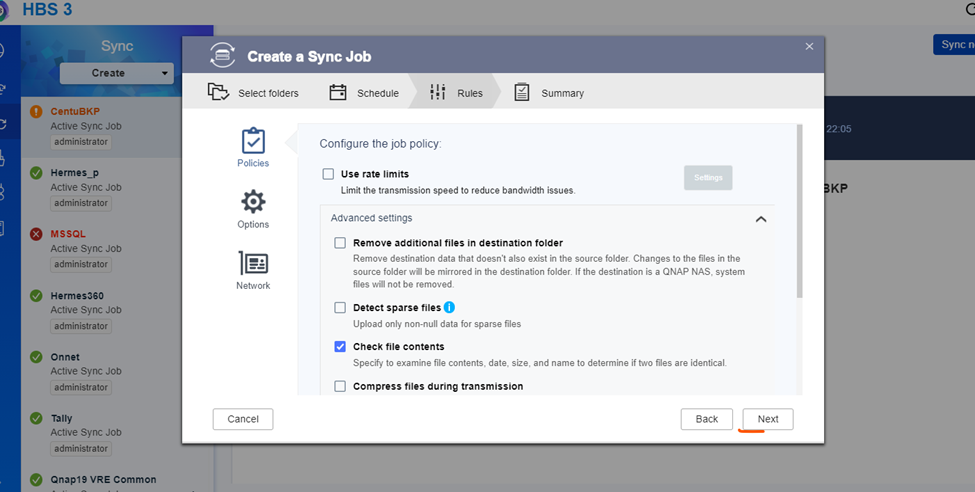
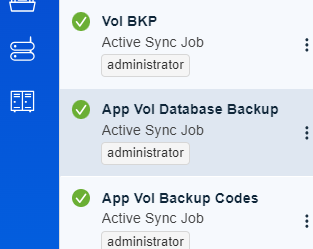
Created backup job

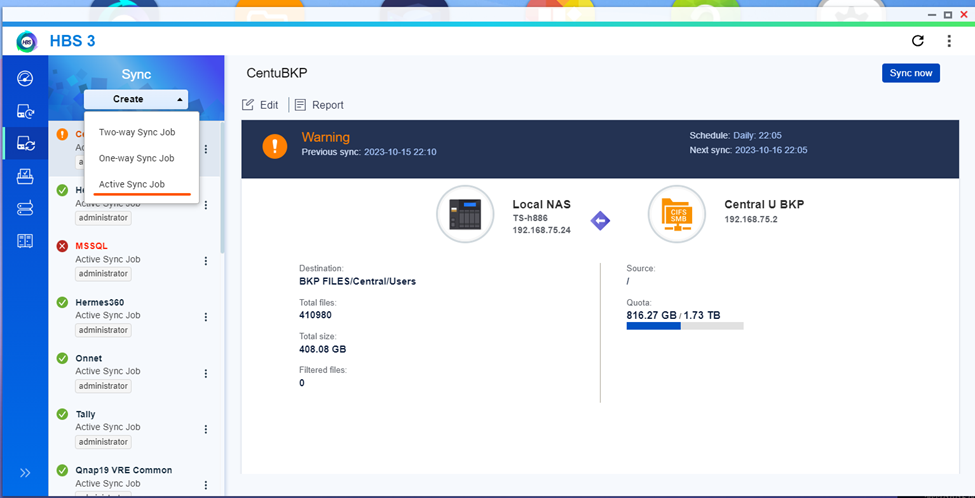
And select and start Active Sync Job
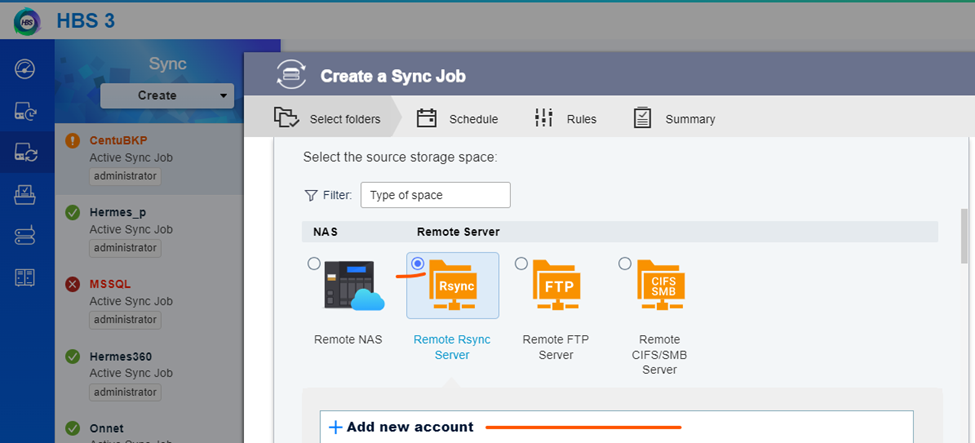
Select Remote Rsync Server and click to add new server
Insert the Linux server username and password
Here in the below screen getting connection
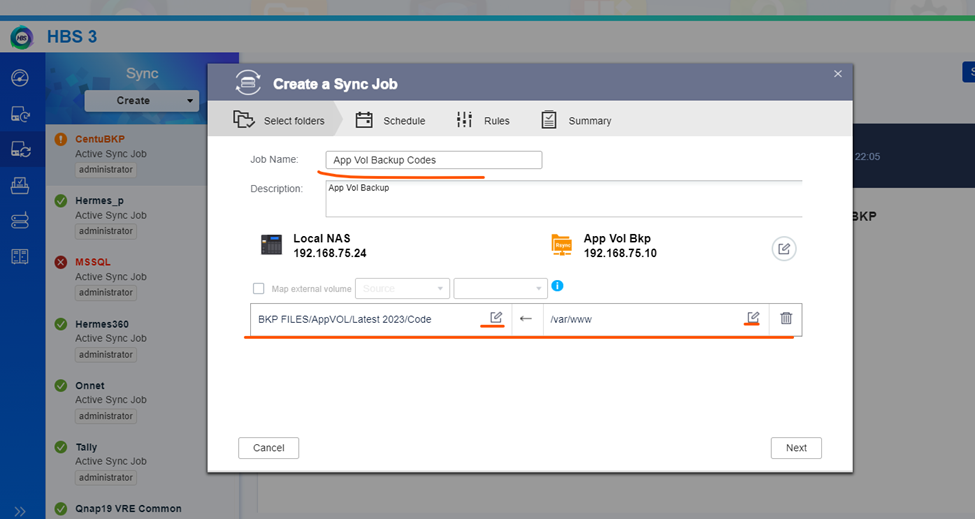
Now set the time for backup
Backup target timing
Database Backup
success Backup jobs
These are the method to keep the backup of linux server in NAS Drive.