Adding SSL, TLS and HTTPS SSL Certified
Here I am using ZeroSSL register with zerossl and add your domain and sub domain after that configure your
Register with Zerossl
Click on new certificate
Click on DNS Name
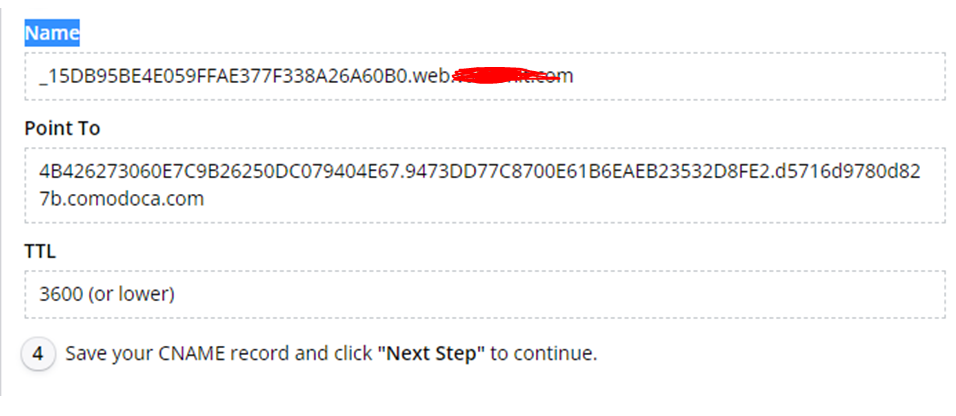

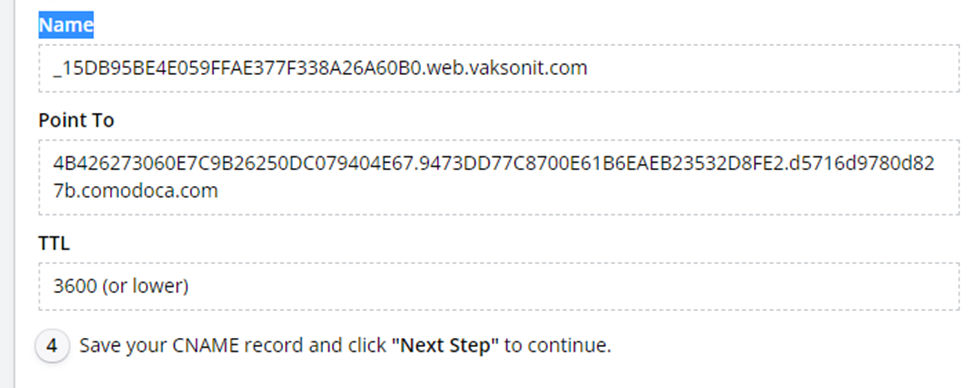

Login to your domain provider click to add alias CNAME

If the record is created need to verify domain
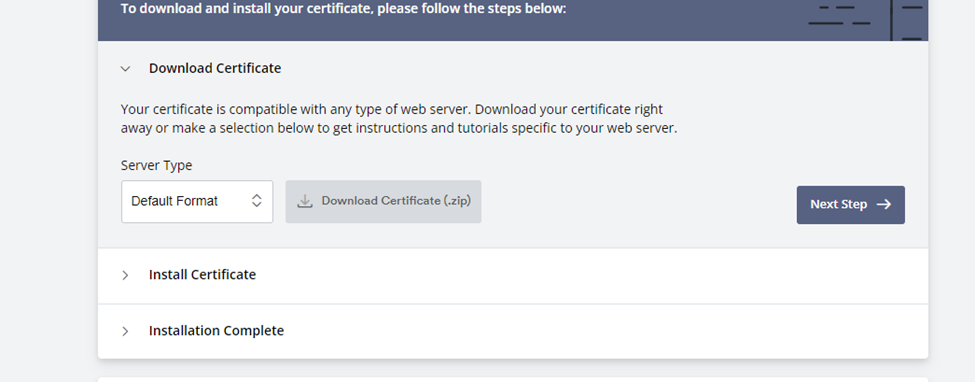
After verified domain download zip file import it in ssl your server directory or directory up to you
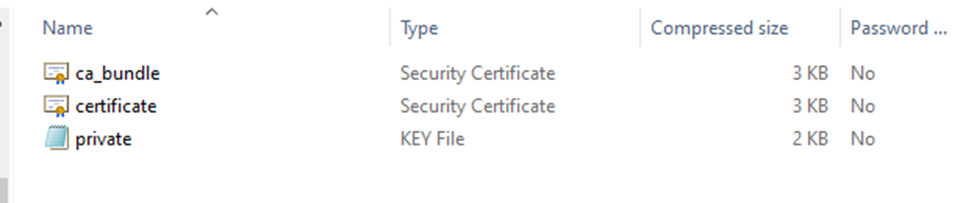
After downloading we will get these three files
TLS certificates via the ACME protocol
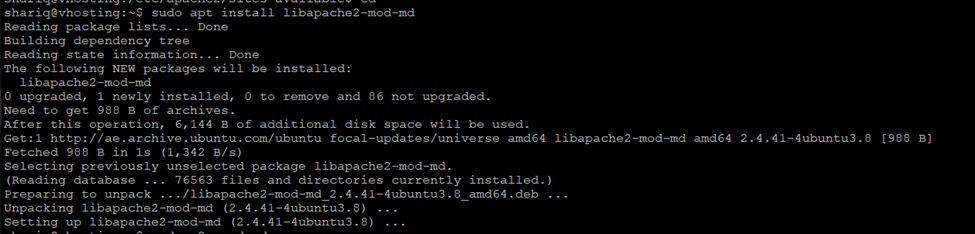
For TLS SSL Certificate need to install required library
shariq@vhosting:~$ sudo apt install libapache2-mod-md
if installation completed restart apache server
Before starting, we need to enable the Apache SSL module
shariq@vhosting:~$ sudo a2enmod ssl
shariq@vhosting:~$ sudo a2enmod md

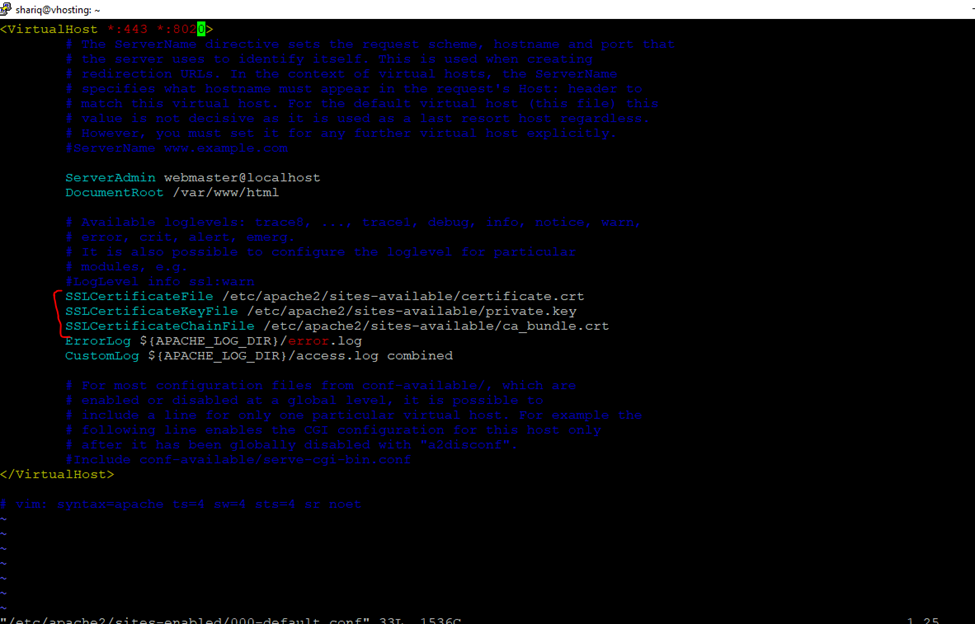
shariq@vhosting:~$ sudo vi /etc/apache2/sites-enabled/000-default.conf
<VirtualHost *:443 *:8020>
# The ServerName directive sets the request scheme, hostname and port that
# the server uses to identify itself. This is used when creating
# redirection URLs. In the context of virtual hosts, the ServerName
# specifies what hostname must appear in the request’s Host: header to
# match this virtual host. For the default virtual host (this file) this
# value is not decisive as it is used as a last resort host regardless.
# However, you must set it for any further virtual host explicitly.
#ServerName www.example.com
ServerAdmin webmaster@localhost
DocumentRoot /var/www/html
# Available loglevels: trace8, …, trace1, debug, info, notice, warn,
# error, crit, alert, emerg.
# It is also possible to configure the loglevel for particular
# modules, e.g.
#LogLevel info ssl:warn
SSLCertificateFile /etc/apache2/sites-available/certificate.crt
SSLCertificateKeyFile /etc/apache2/sites-available/private.key
SSLCertificateChainFile /etc/apache2/sites-available/ca_bundle.crt
ErrorLog ${APACHE_LOG_DIR}/error.log
CustomLog ${APACHE_LOG_DIR}/access.log combined
# For most configuration files from conf-available/, which are
# enabled or disabled at a global level, it is possible to
# include a line for only one particular virtual host. For example the
# following line enables the CGI configuration for this host only
# after it has been globally disabled with “a2disconf”.
#Include conf-available/serve-cgi-bin.conf
</VirtualHost>
shariq@vhosting:~$ sudo systemctl restart apache2
or
shariq@vhosting:~$ sudo systemctl status apache2.service
shariq@vhosting:~$ sudo systemctl status apache2
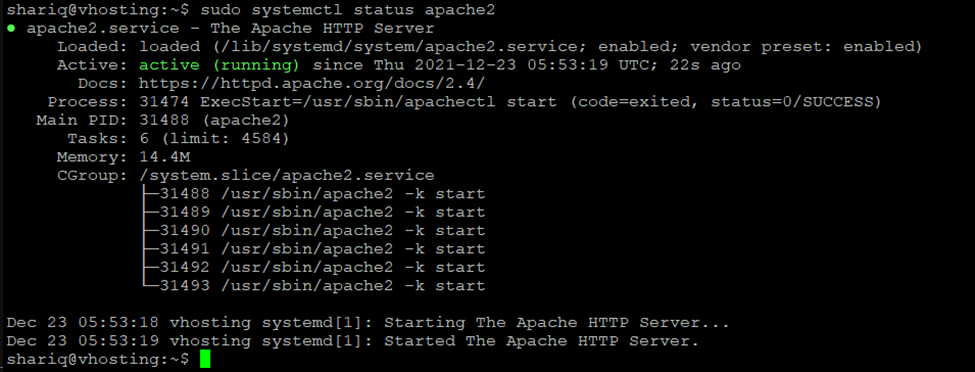
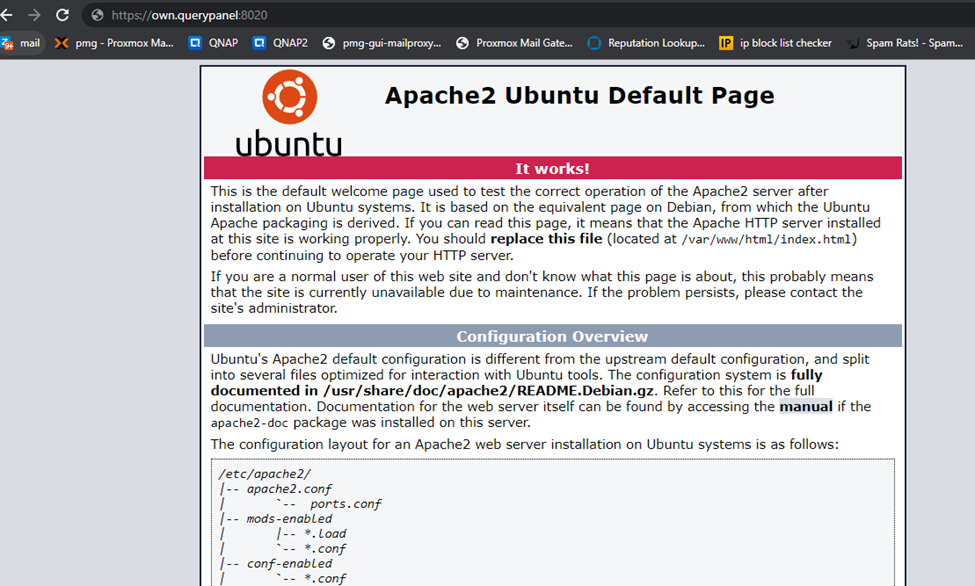
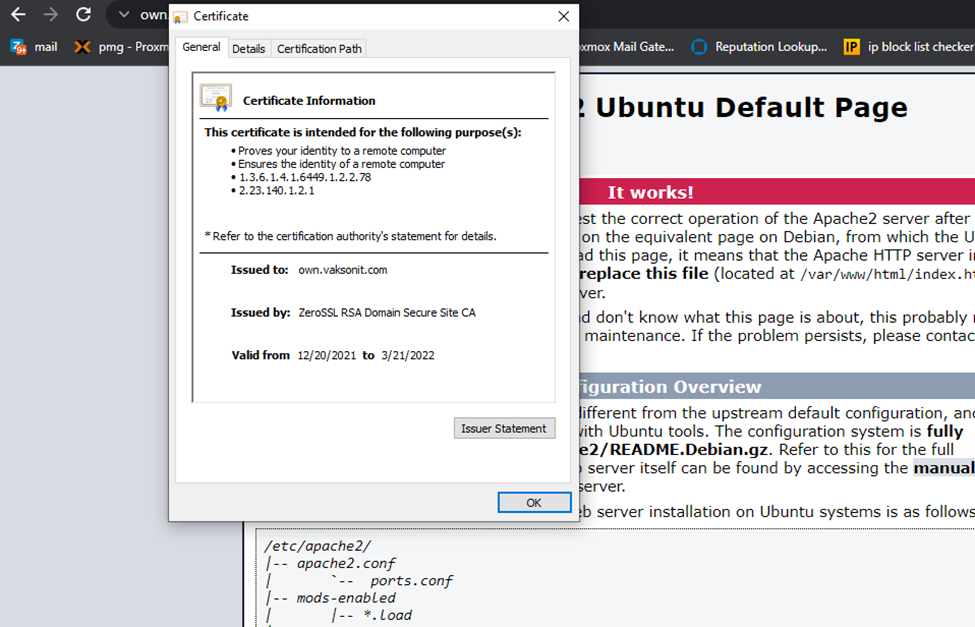
Check the SSL TLS Status