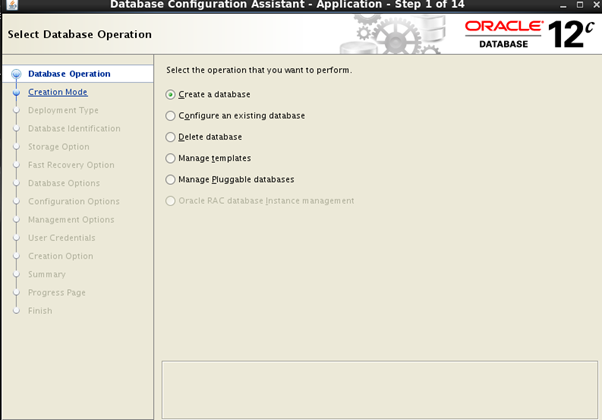
Sometimes we always faced the Error during the GUI interface Installation.
So we need to fixed the issues to set the parameter in GUI format
In between these GUI interface we have faced the isuues.
[oracle@12c Disk1]$ ./runInstaller
[oracle@12c bin]$ ./dbca
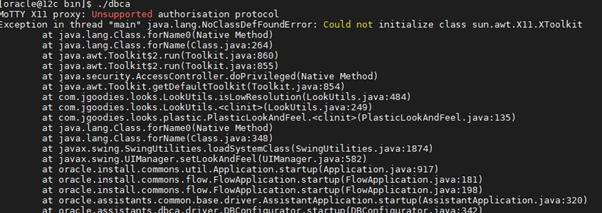
So now here I am going to fixed it.
[oracle@ 12c ~]$ export DISPLAY=:0
In it I am just mention the Display Parameter
After this we will going to set the Localuser force fully
[oracle@ 12c ~]$ xhost +SI:localuser:oracle
Now we can run check the installer GUI interface
So re run the installer
Whatever we have to require in both of them
we also need to remove comments line
Perform this methods on root directory
[oracle@12c ~]$#vi /etc/ssh/ssh_config
just remove the comments line and change it with yes
ForwardX11 yes
ForwardX11Trusted yes
[oracle@12c Disk1]$ ./runInstaller
[oracle@asmqp bin]$ ./dbca