
Synchronize domain users to Microsoft 365
Set up Active directory synchronization for Microsoft 365
Syncing On Premise AD & Office 365 through AD connect
This session we will discuss about the steps how to synchronize ADDS to Office 365.
On Premises
ADDS
Cloud User which we wanted to sync users to Office 365
Steps:
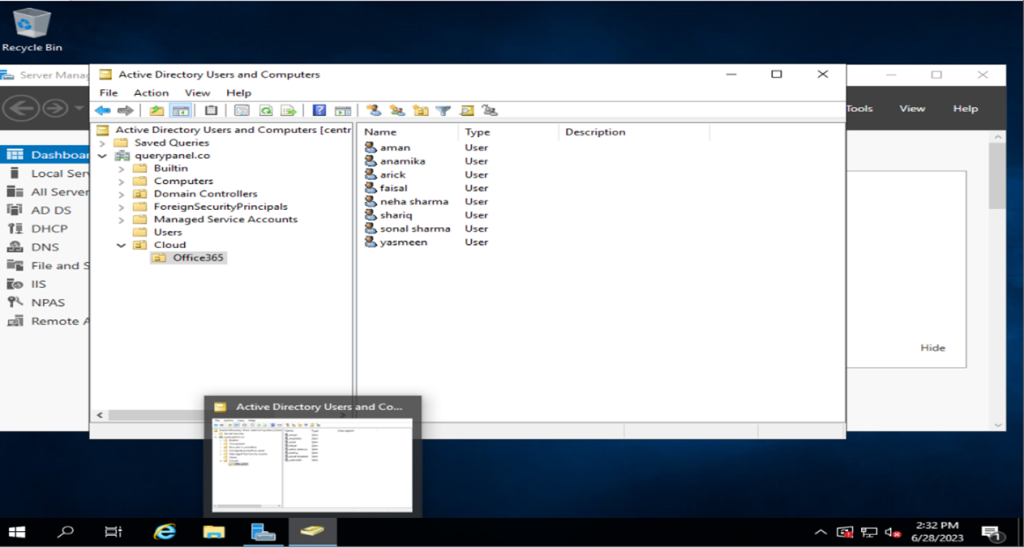
Login to your Office 365 Subscription
Below link:
Download Microsoft Azure Active Directory Connect
Install AD Connect to On Premises Windows Server
Administrator user office 365:-

Now installing Started
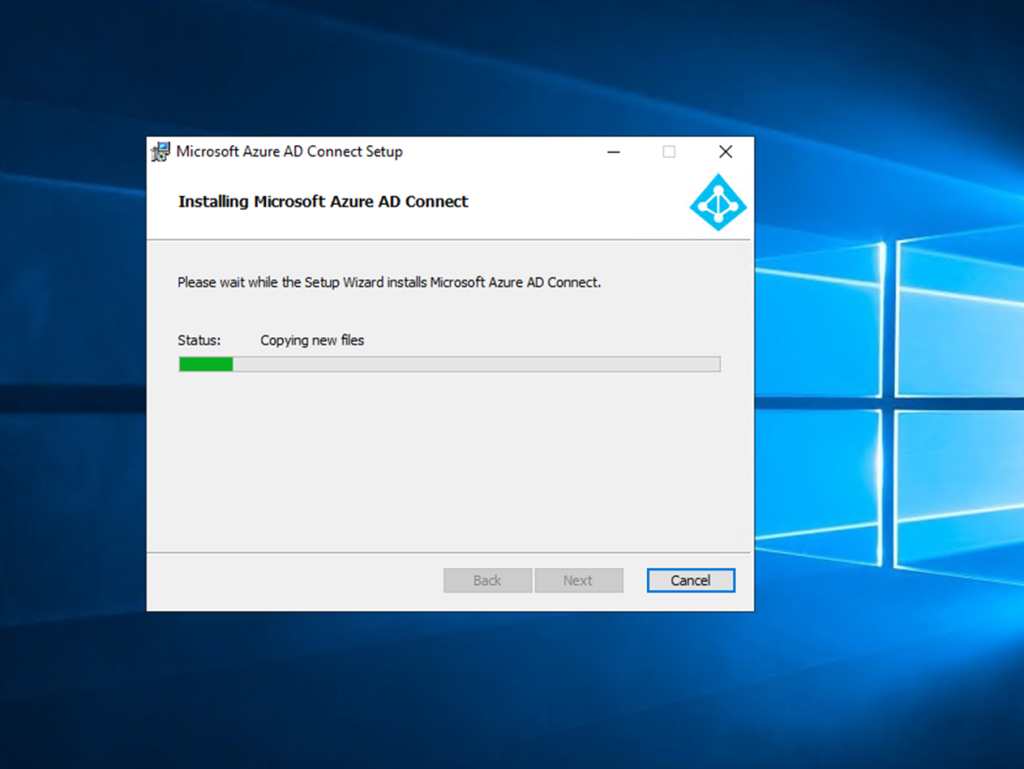
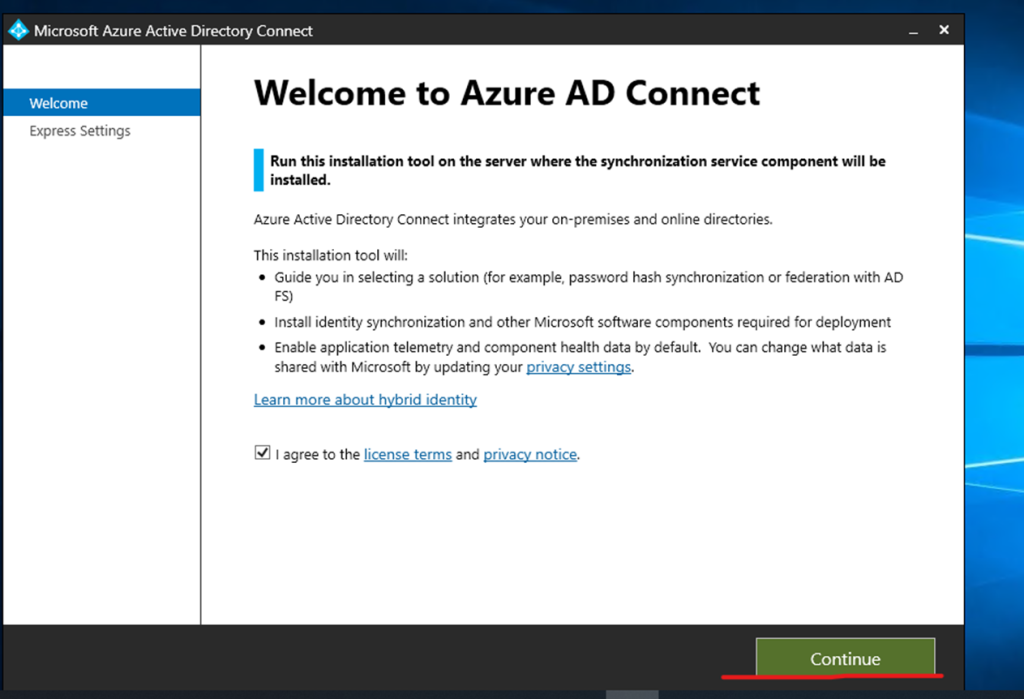
Agree the license and continue process
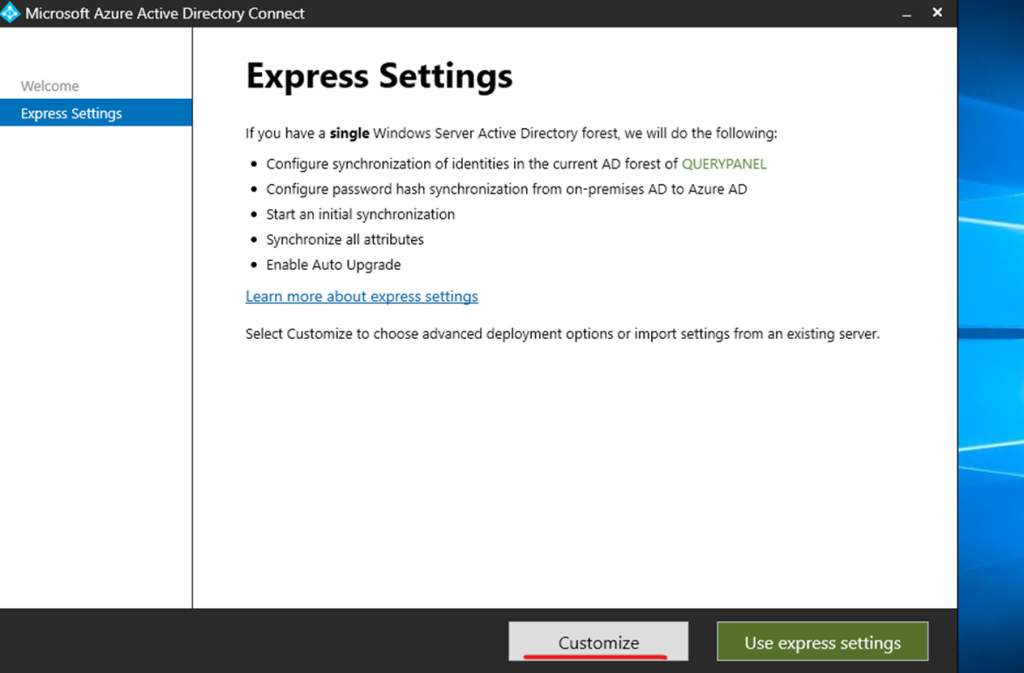
Here I am selecting customize installation process
Now need to install required components
Click to install
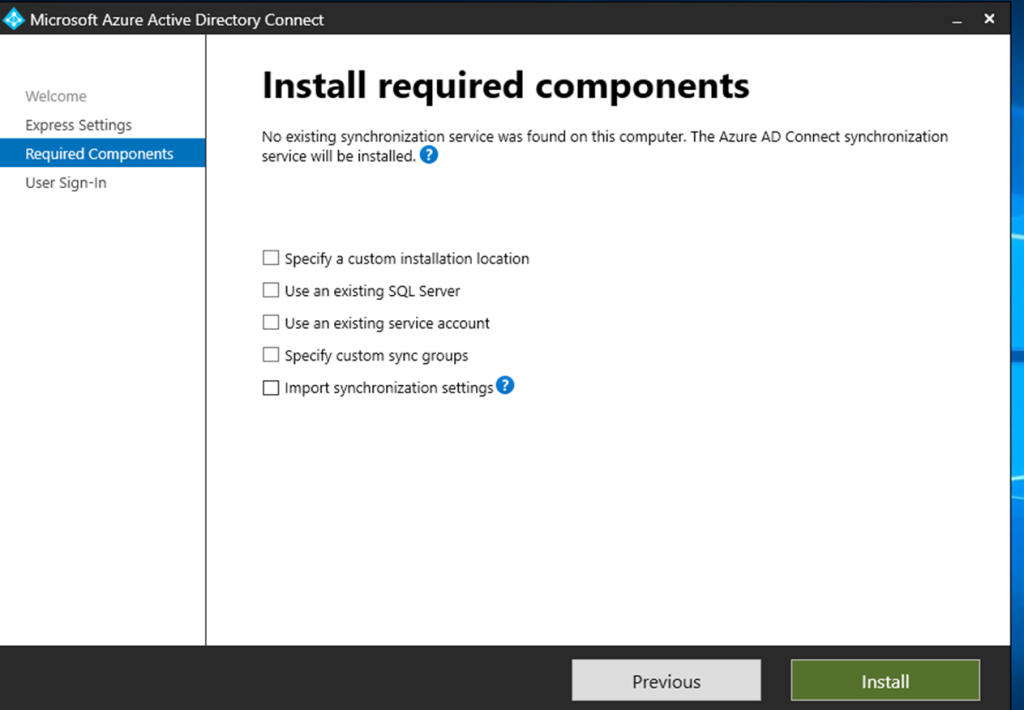
Installation started

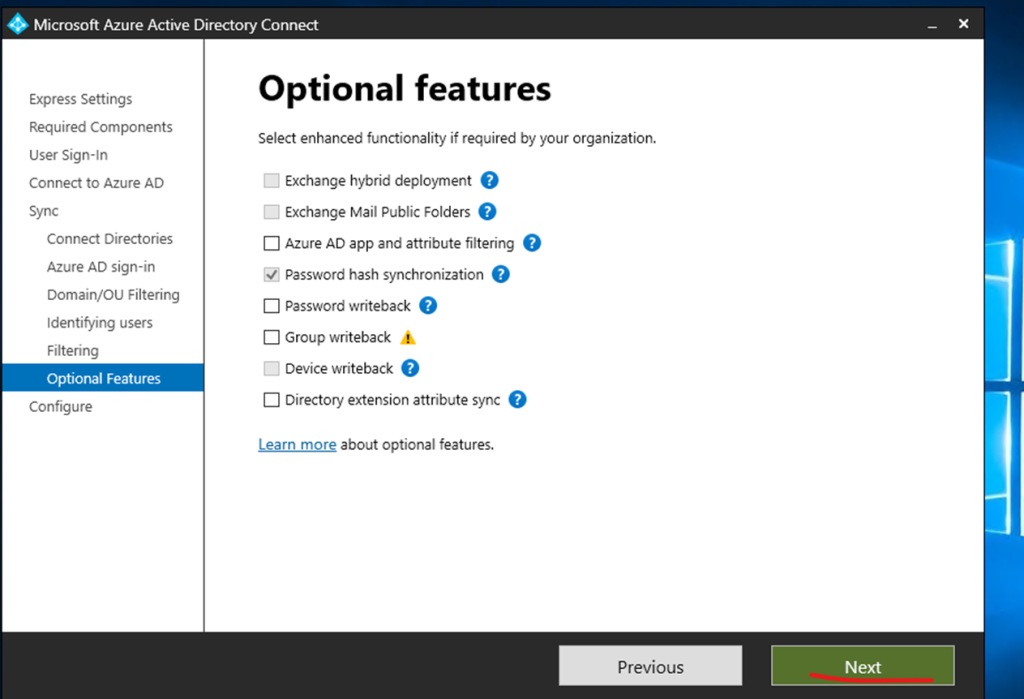
Have selected password hash
Converting passwords into unreadable strings of characters that are designed to be impossible to convert
Click to next step
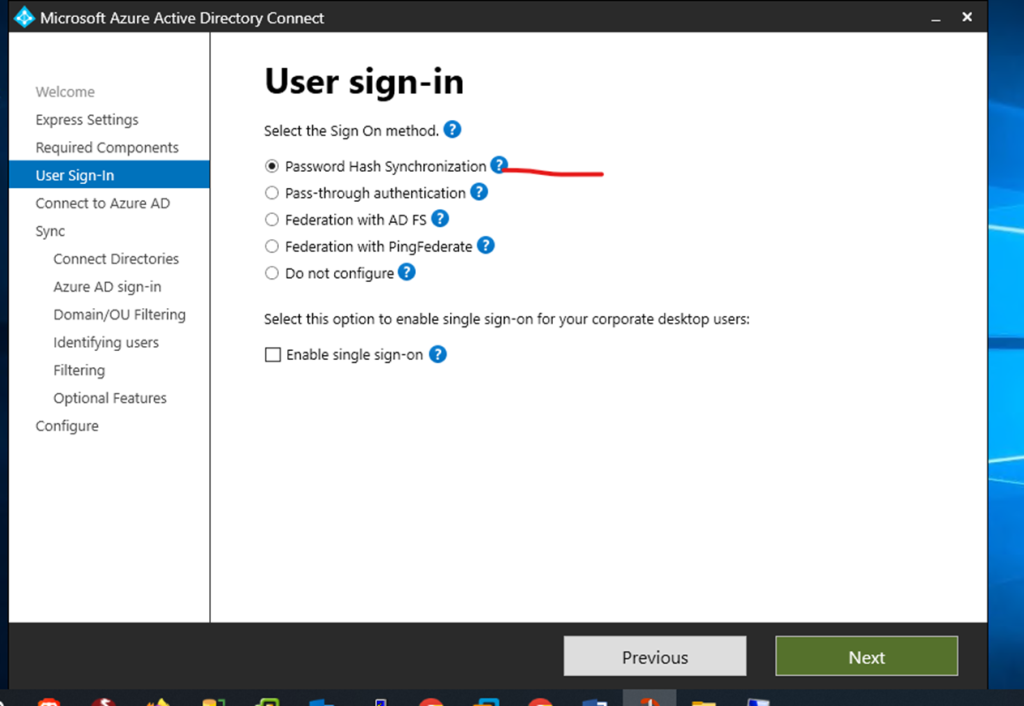
Admin user and password required and click next
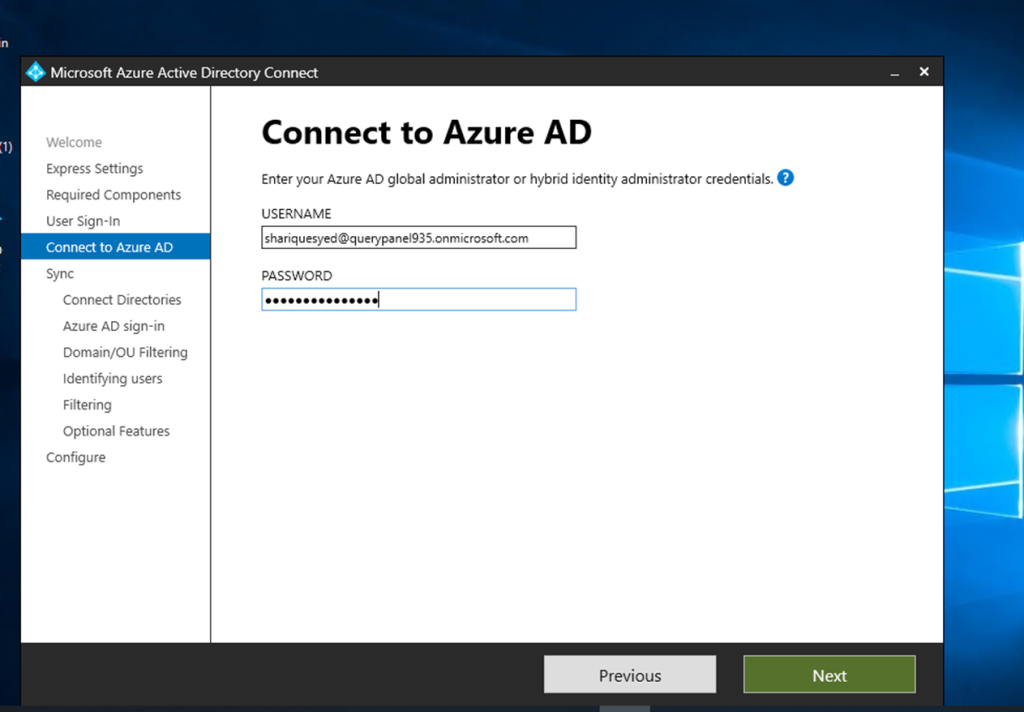
Again required admin user credentials
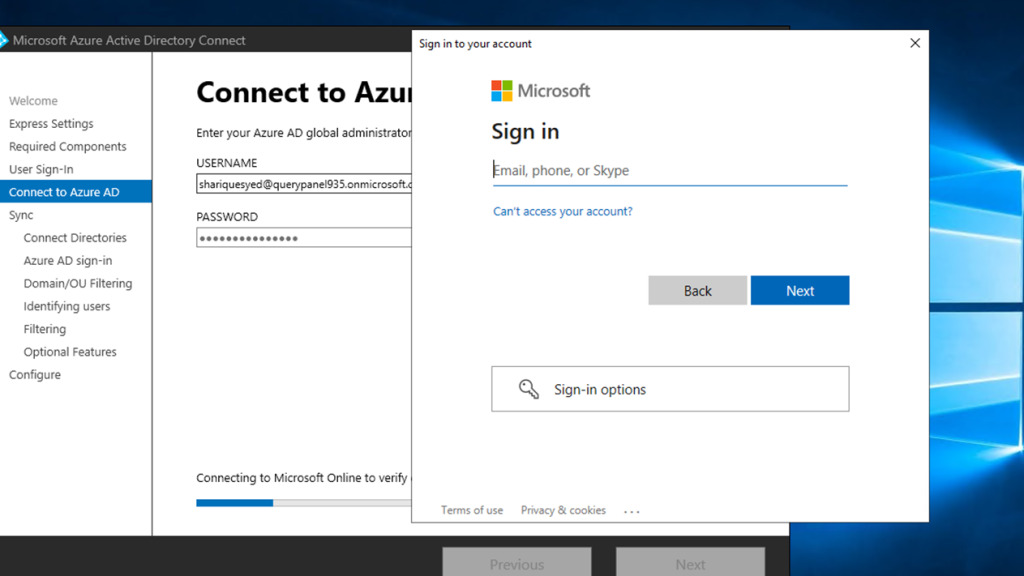
Verification
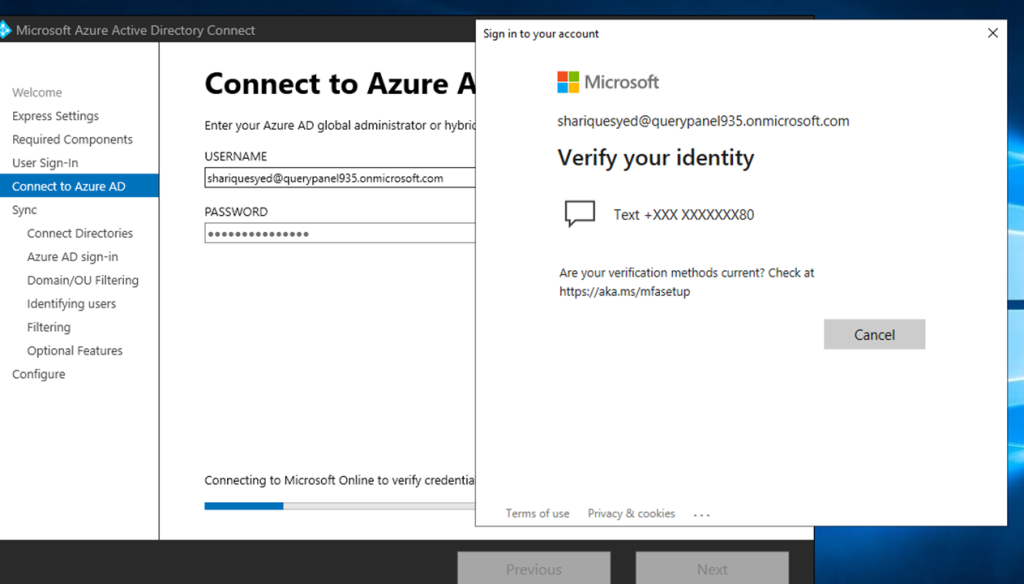
Select domain and click to add directory
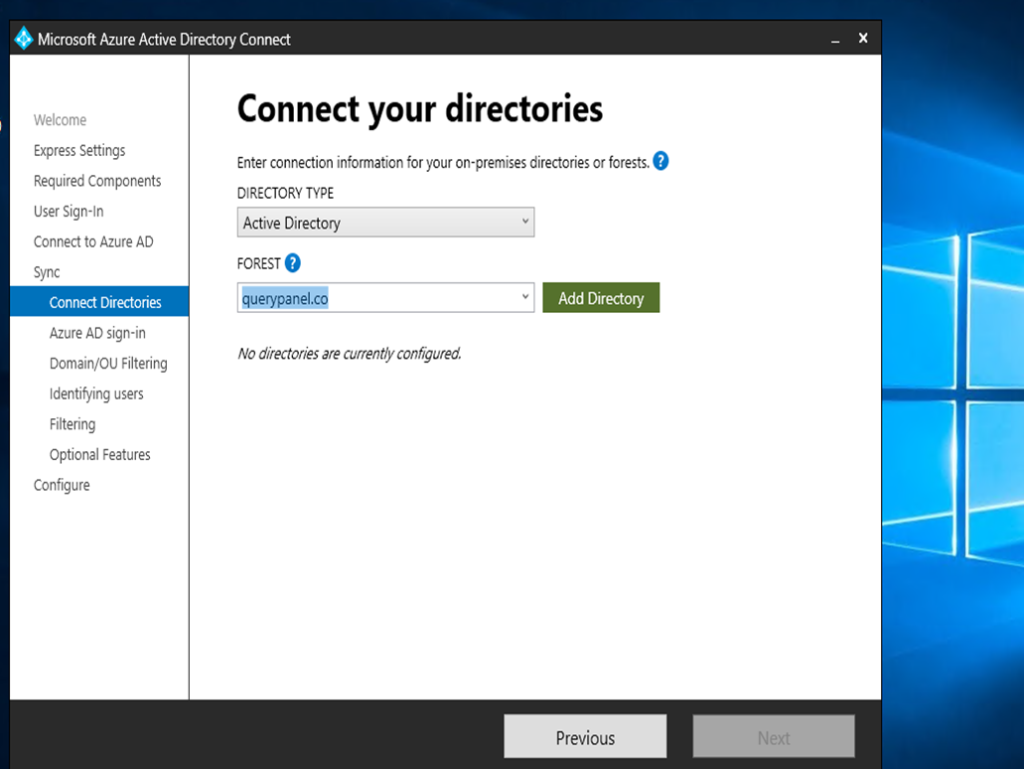
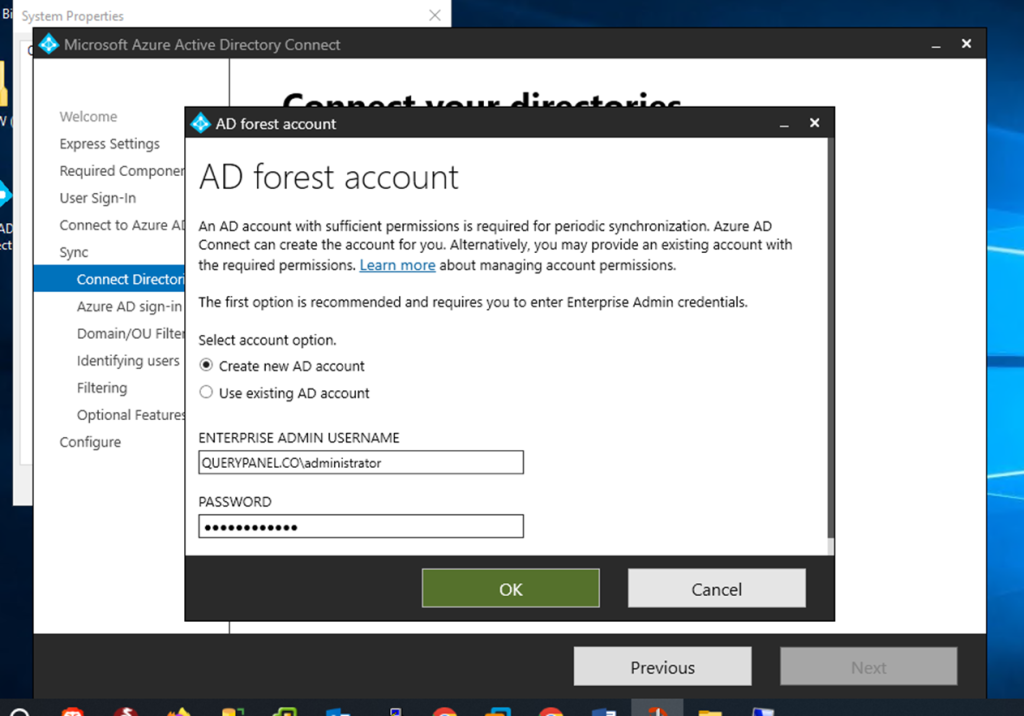
Now enter on premises admin username and password
Active directory added click to next

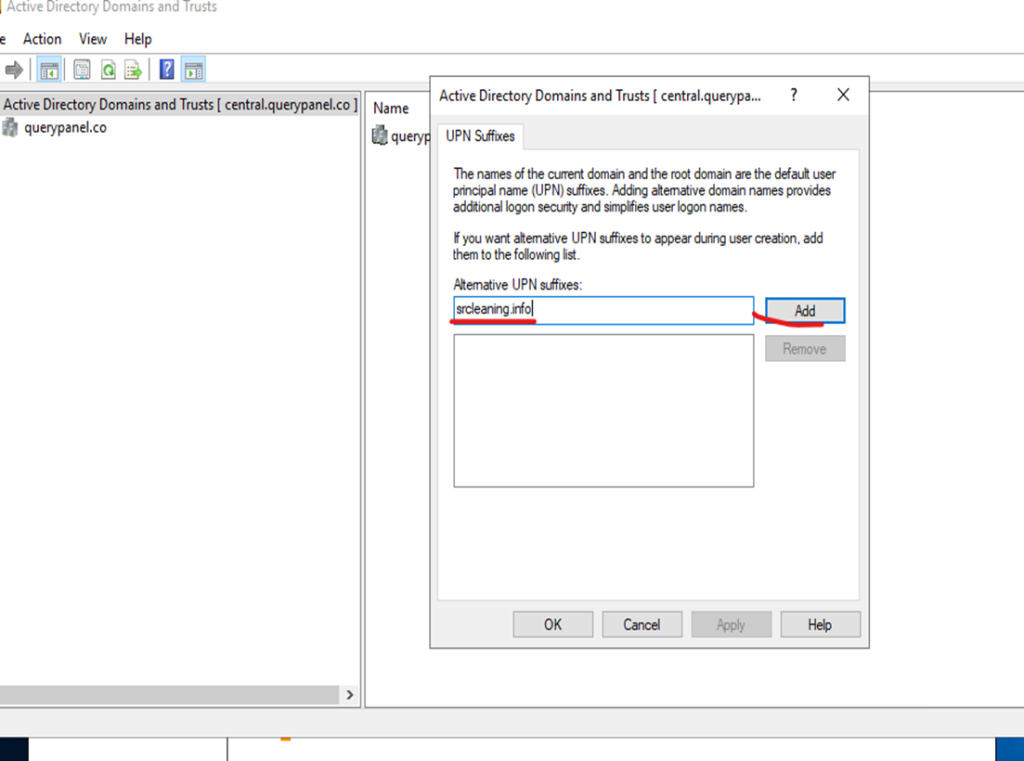
Now need to create UPN Suffixes
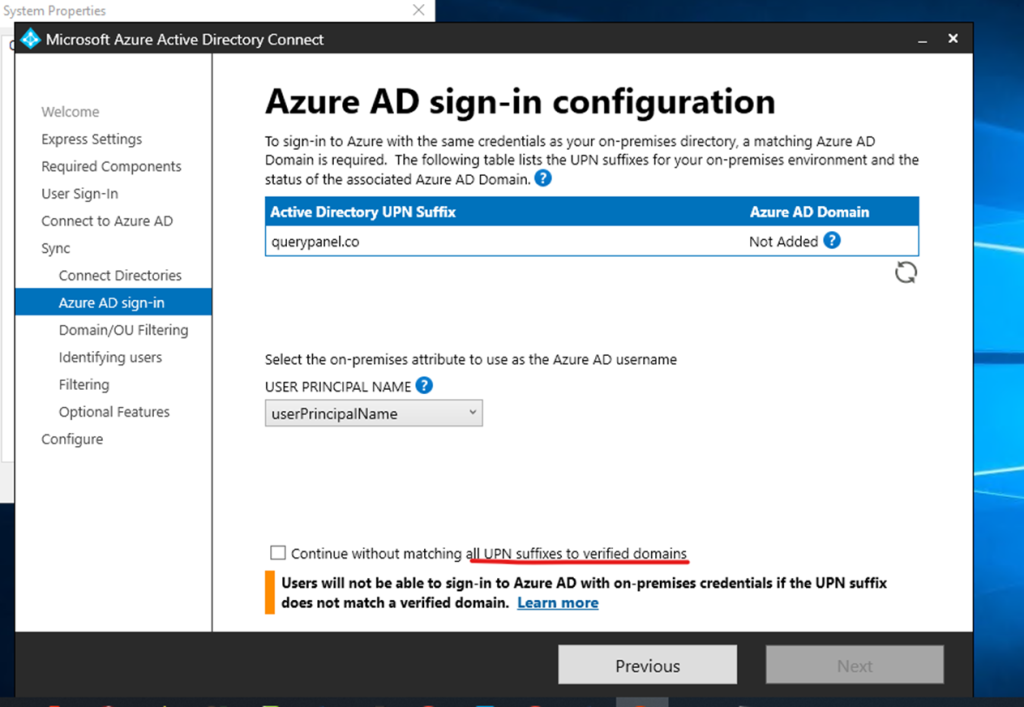
User Principal Name (UPN)? In Microsoft Active Directory, a User Principal Name (UPN) is a username and domain in an email address format. In a UPN, the username is followed by a separator “at sign” (@) followed by the active directory’s internet domain. An example UPN is shariq@querypanel.co.
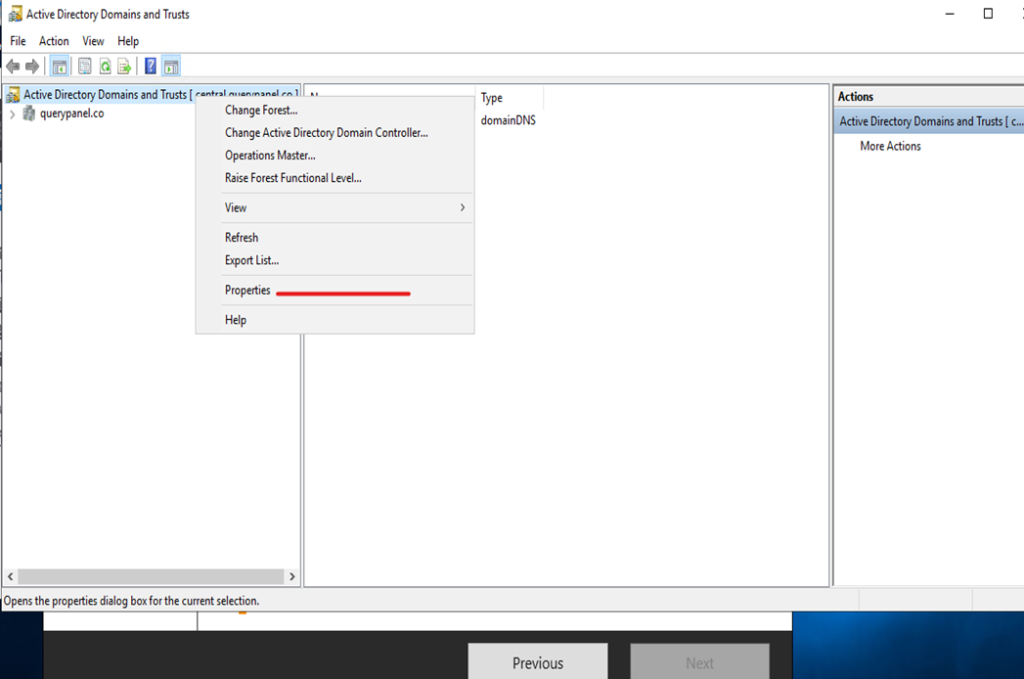
Go server manager
Click to active directory domain and trust

Click on domain and trust go to properties
UPN Suffixes click to add domain and apply
After creating upn suffixes getting multiple domains
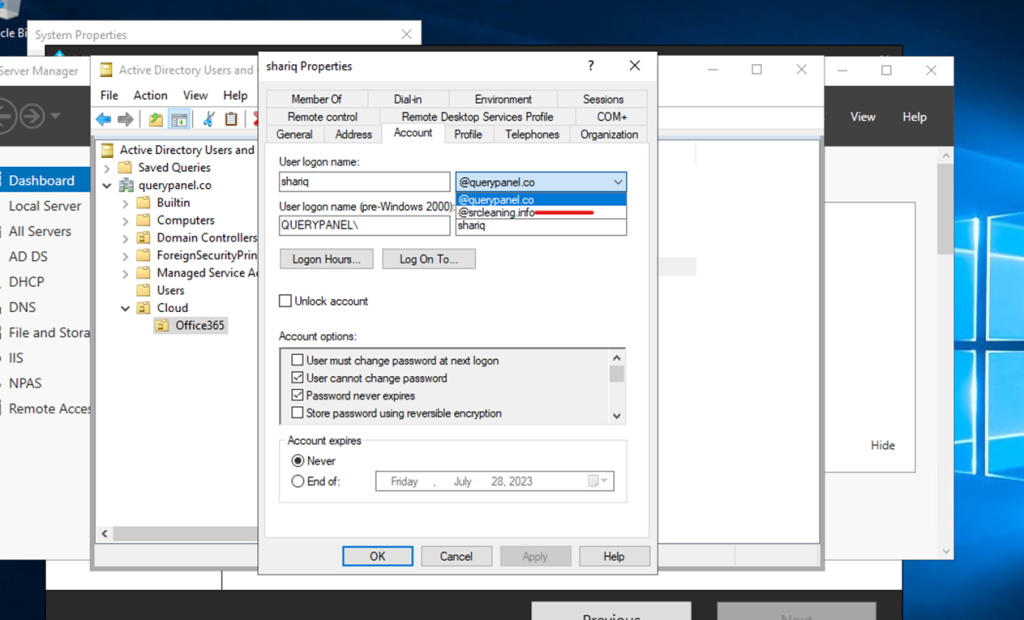
Select domain suffixes
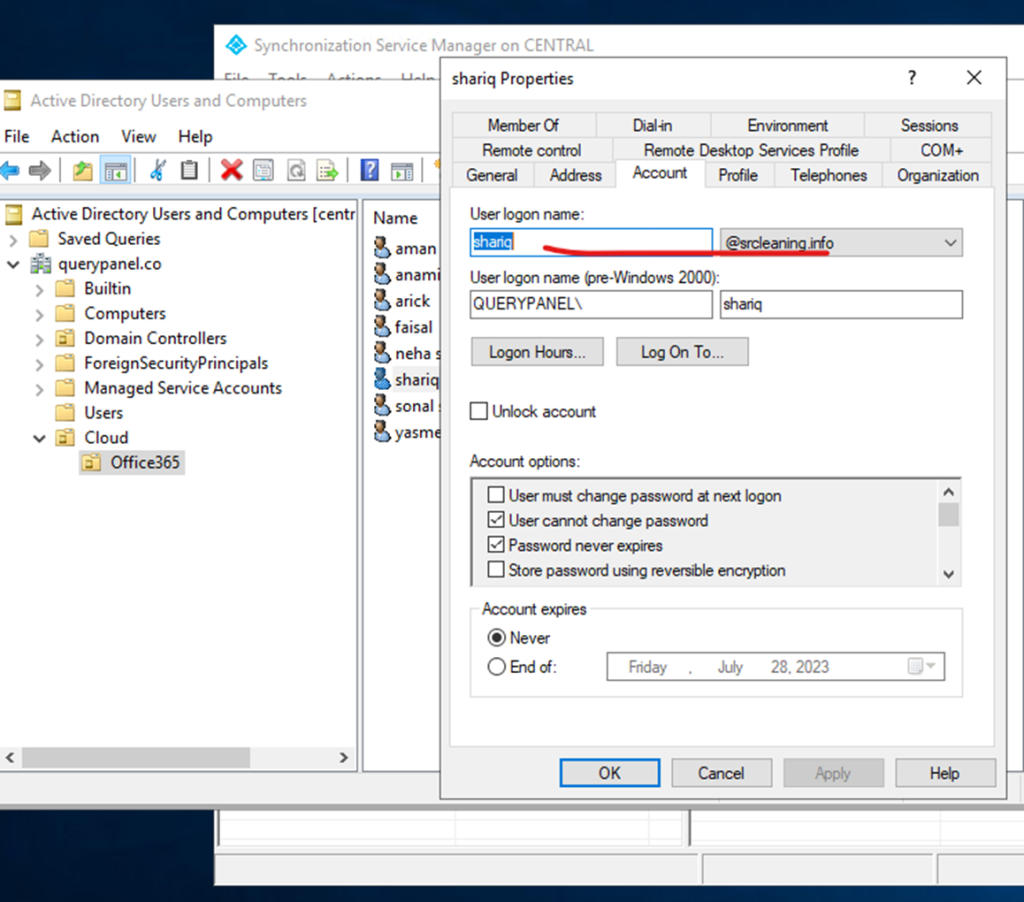
If you can check here office 365 domain is verified
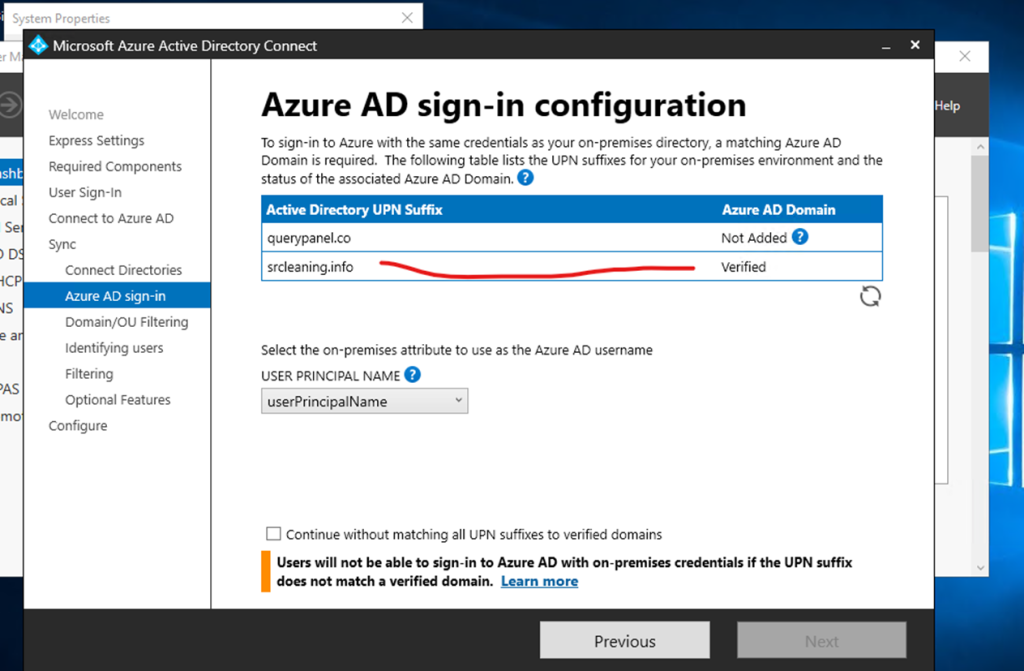
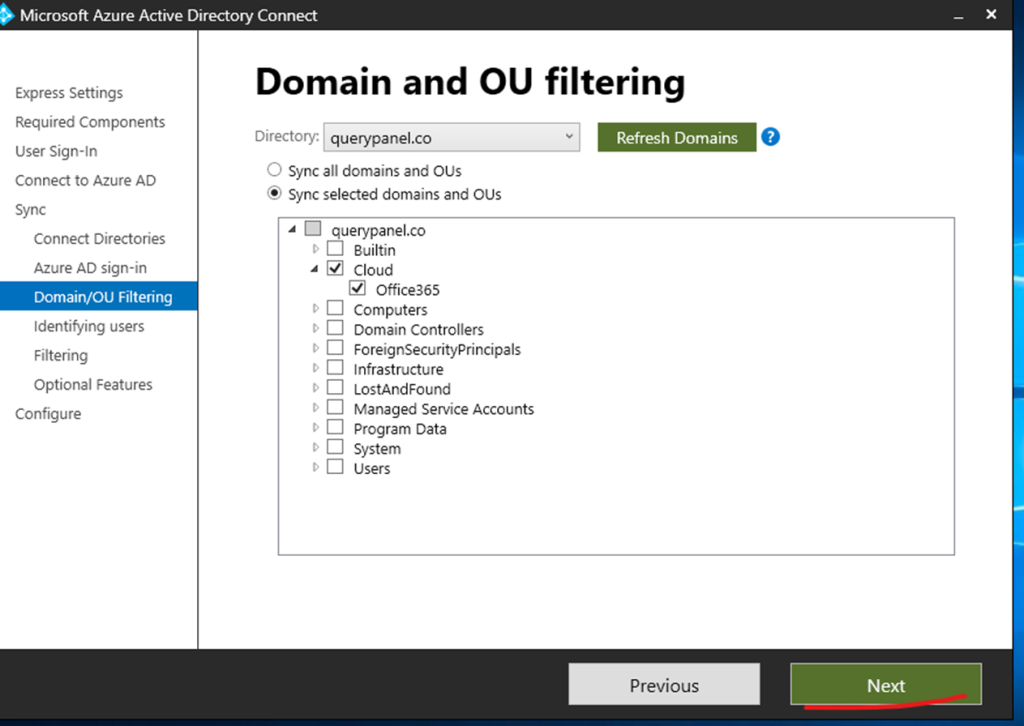
Here selecting the 365 cloud user from OU click to next
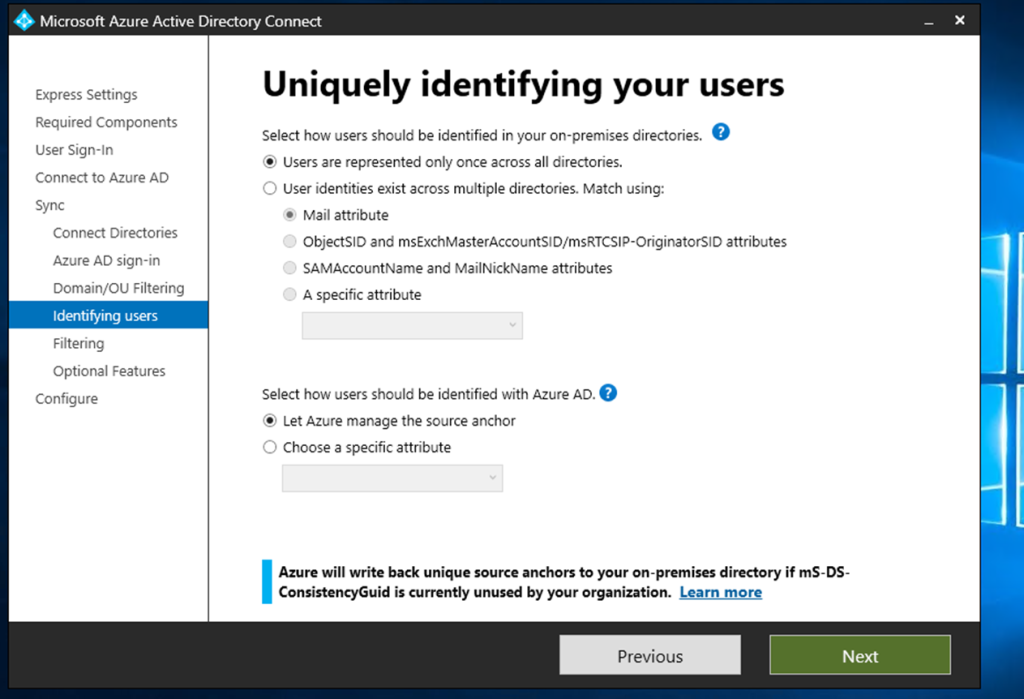
User identification click to next
Optional features click to next
Now click to install

Configuration completed
Click to exit and checking the synchronization status

Synchronization status office 365

Synchronization status page
Open Synchronization service manager

Start powershell for force to sync on premises to 365 normal 30 minutes auto sync
PS C:\Users\Administrator> Get-ADSyncScheduler

PS C:\Users\Administrator> Start-ADSyncSyncCycle -PolicyType Delta

These are the simple steps to configure 365 cloud services to on premises