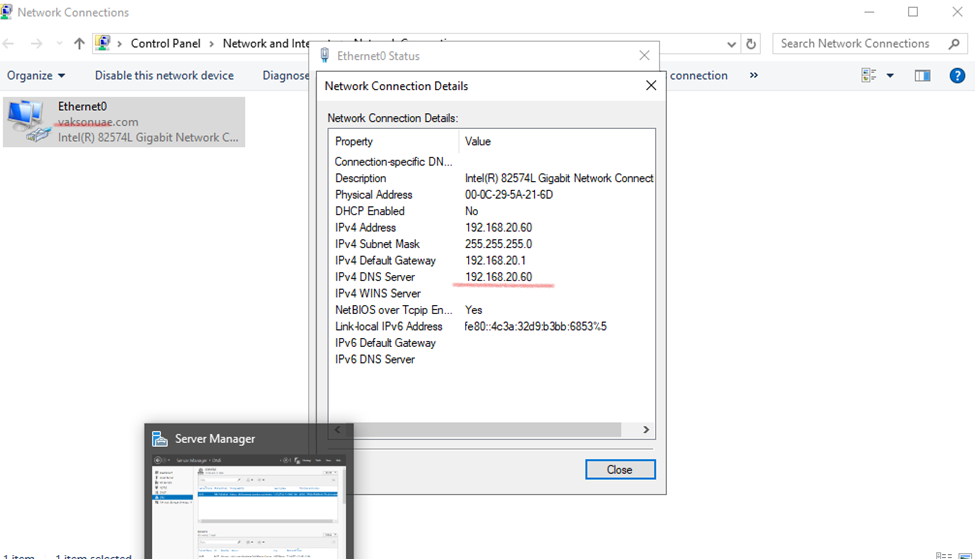
How to configure a DNS Reverse Lookup Zone in Windows Server 2019
How To add DNS Reverse Lookup Zone in Windows Server 2019
Reverse lookup zones are used to resolve IP addresses to a hostname. For reverse lookup zones to work they use a PTR record that provides the mapping of the IP address in the zone to the hostname.
Configuring DNS Reverse Lookup zone

Go to tools and open DNS
DNS Manager, under your server, right-click on Reverse Lookup zones, and click on New Zone
Click on Reverse zone and create

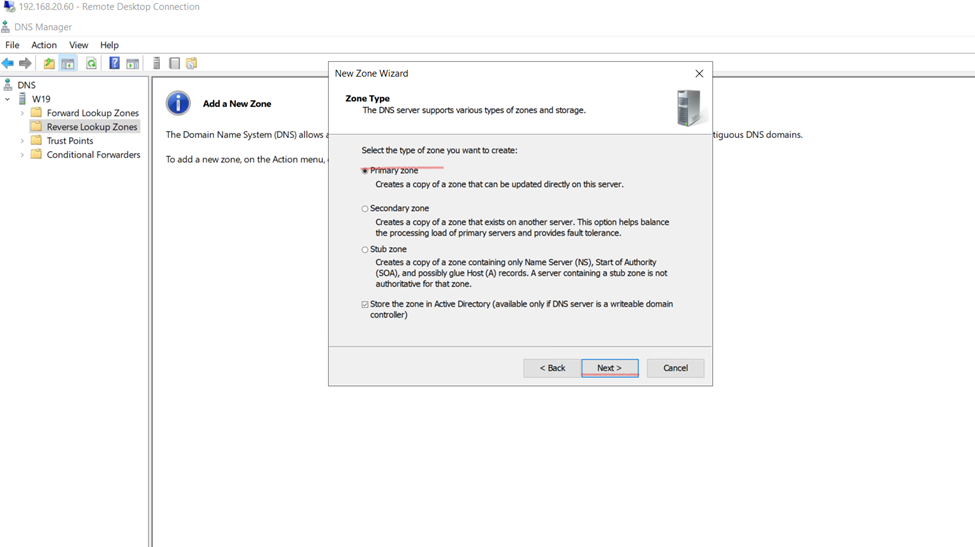
next


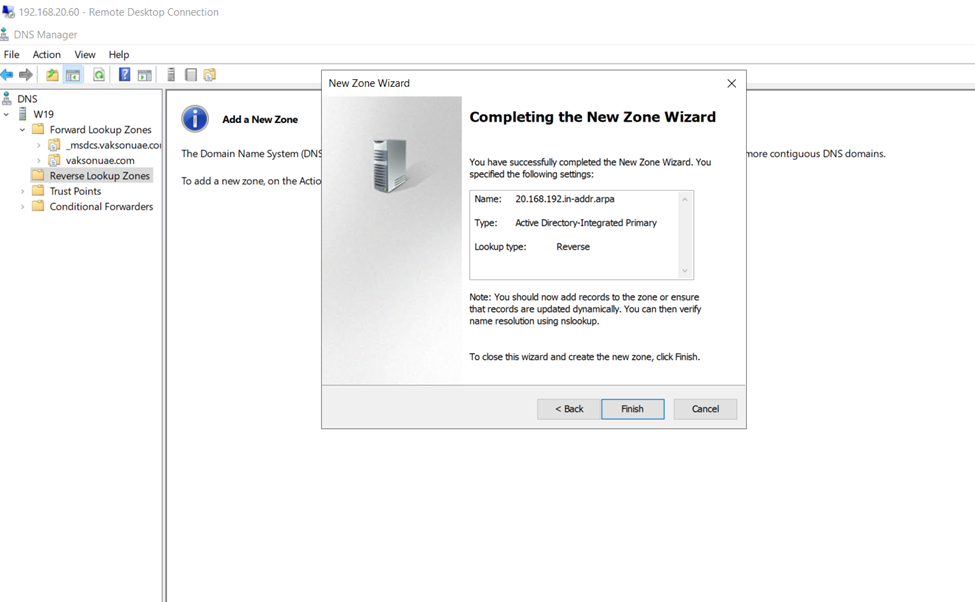
How to Create PTR Records
Let’s walk through manually creating a PTR record. This is only needed if a system is not configured to dynamically update. This may be the case for systems with static IP addresses like servers


Back in the DNS console PTR record listed.

You can see in the picture above the IP returned the hostname

You can see in the picture above the IP returned the hostname