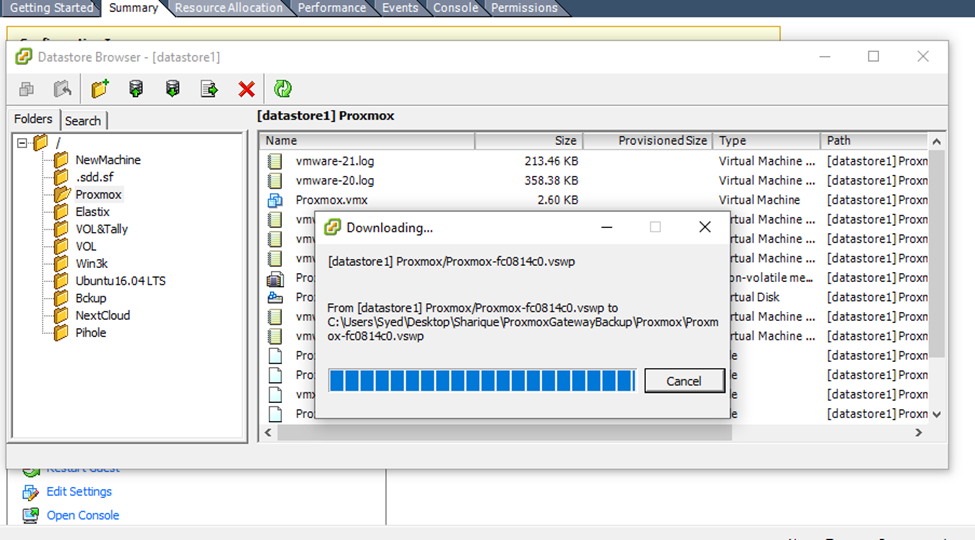
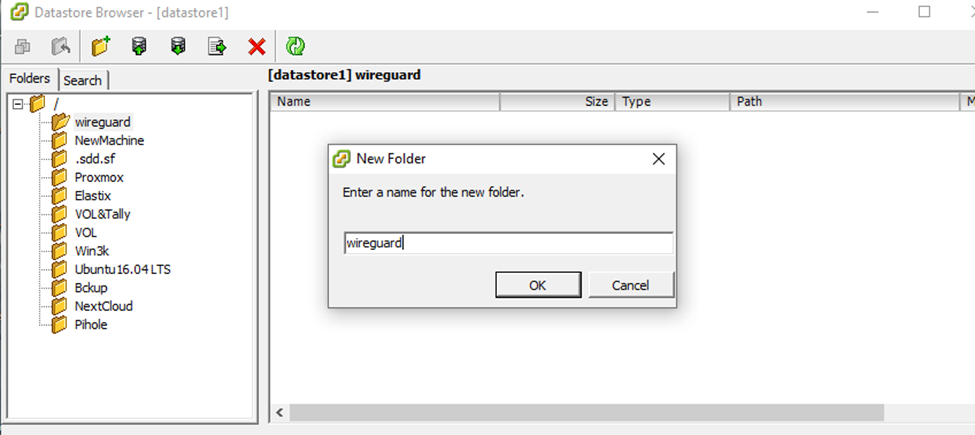
Duplicate/ Importing VMware / Exporting VMware
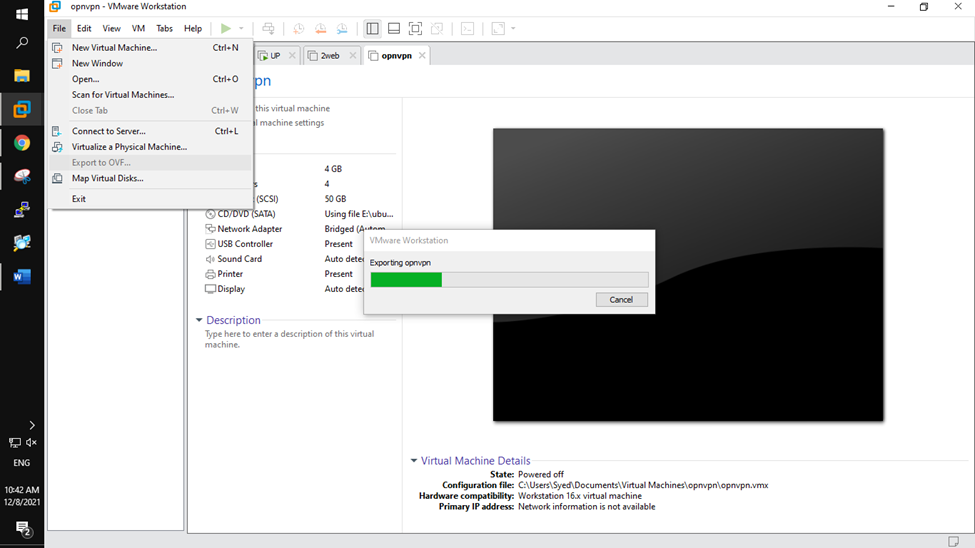
Exproting VmWare Server
Click->File -> Export to OVF
Assign the new name for exporting server
Importing VmWare Server
Click-File->Open -> Select .ovf file in give the machine name.
How to make the Duplicate machine in VMware
Now here I am using clone function to making the duplicate virtual machine
Steps
Select the machine and right click to manage and select the clone
Clone function used for Duplicate the Machine in same VMware
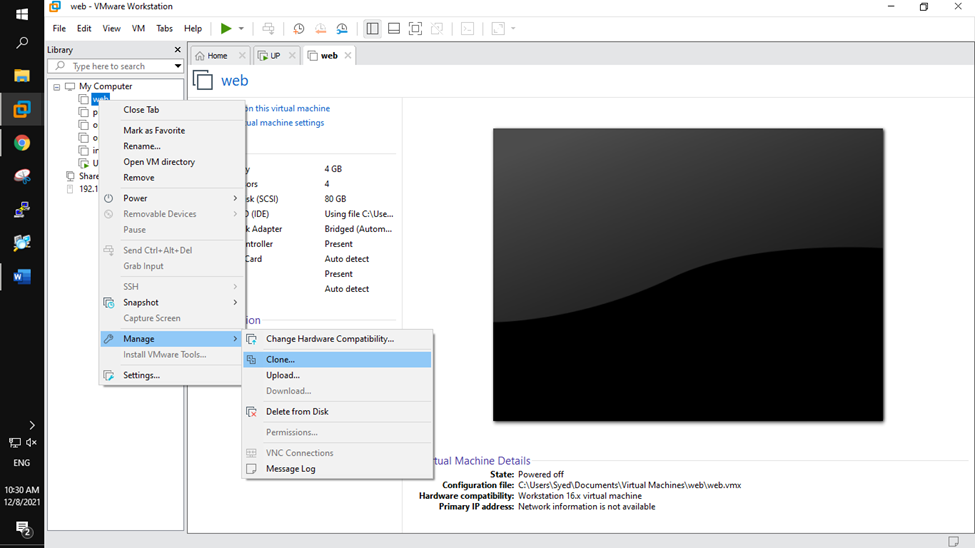
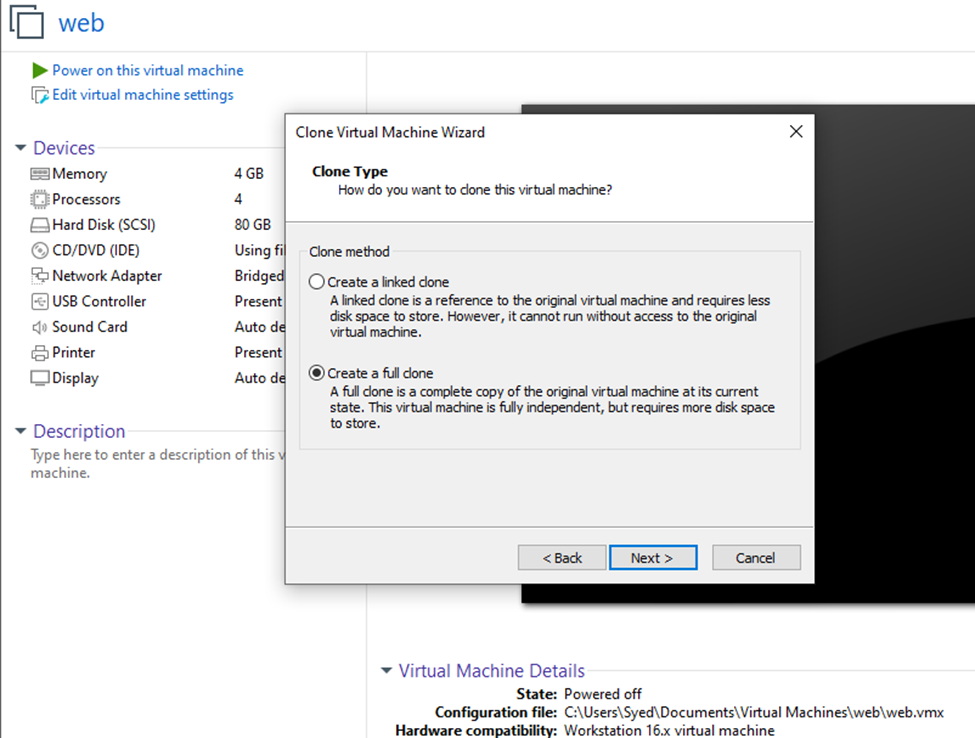
While clicking on clone you will get the screen attached and click to next
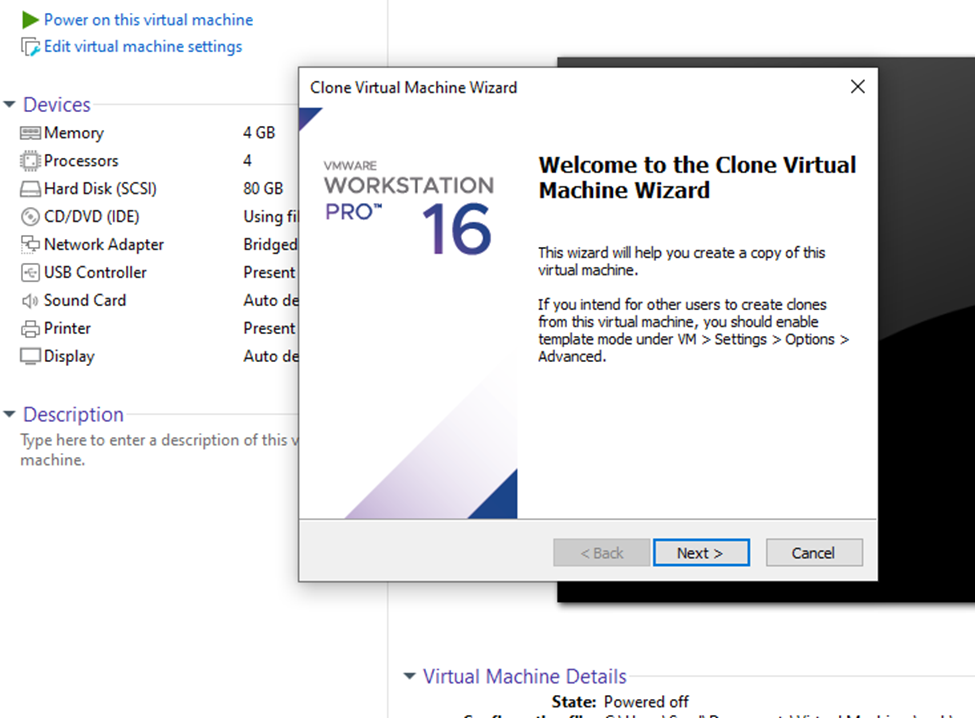
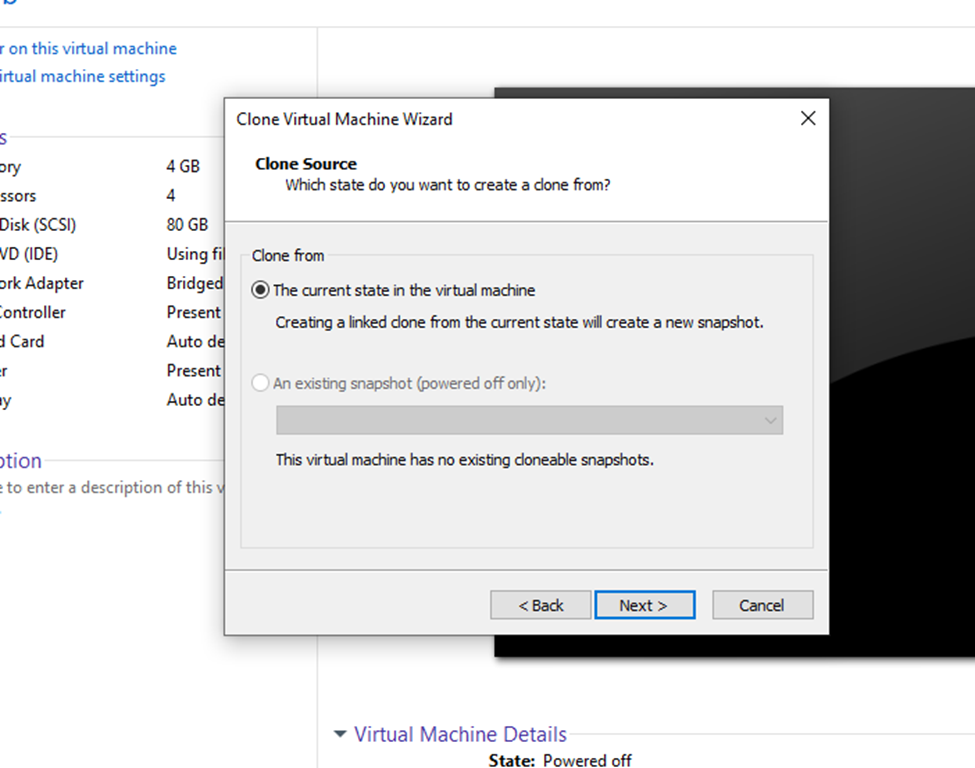
Click to next
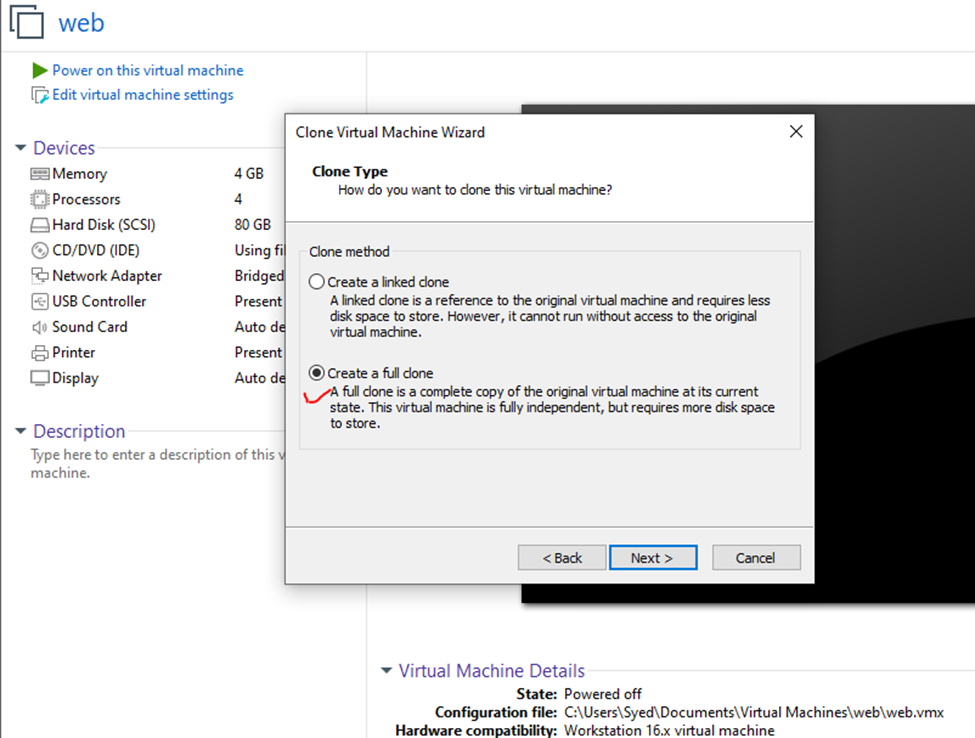
Select the create a full clone
Change the names according to your ideas
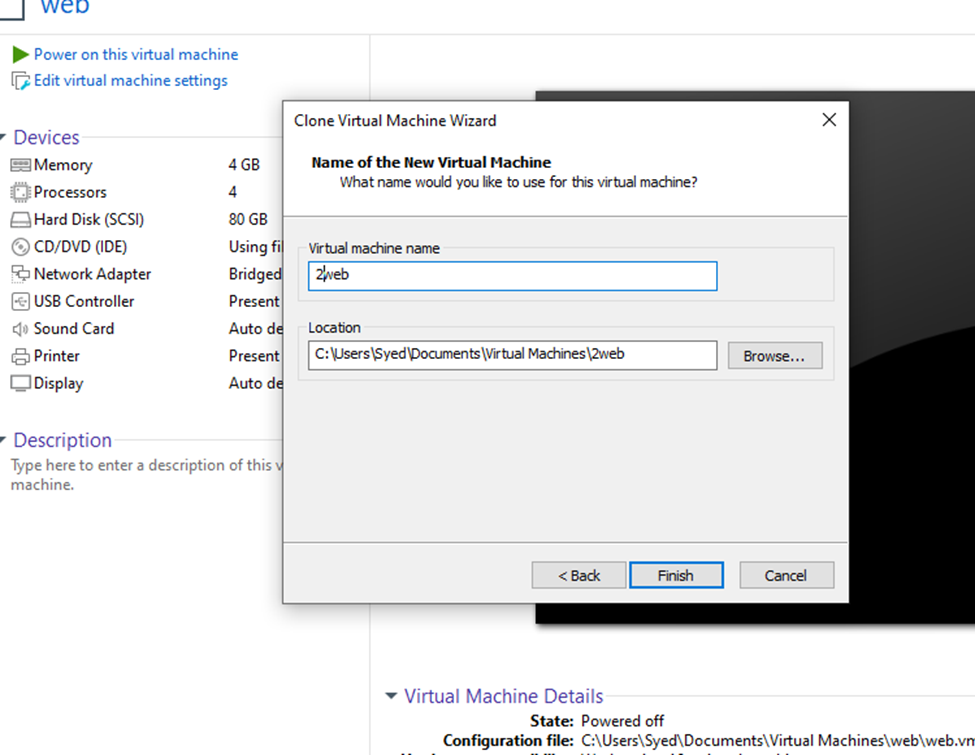
Click to Finish
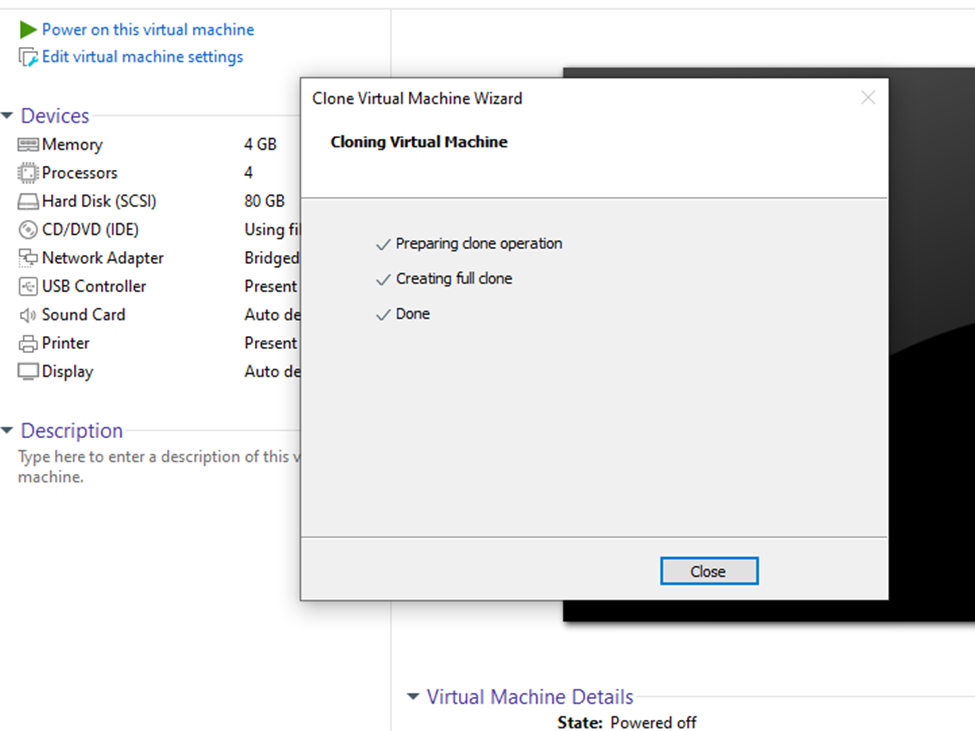
Clone will create
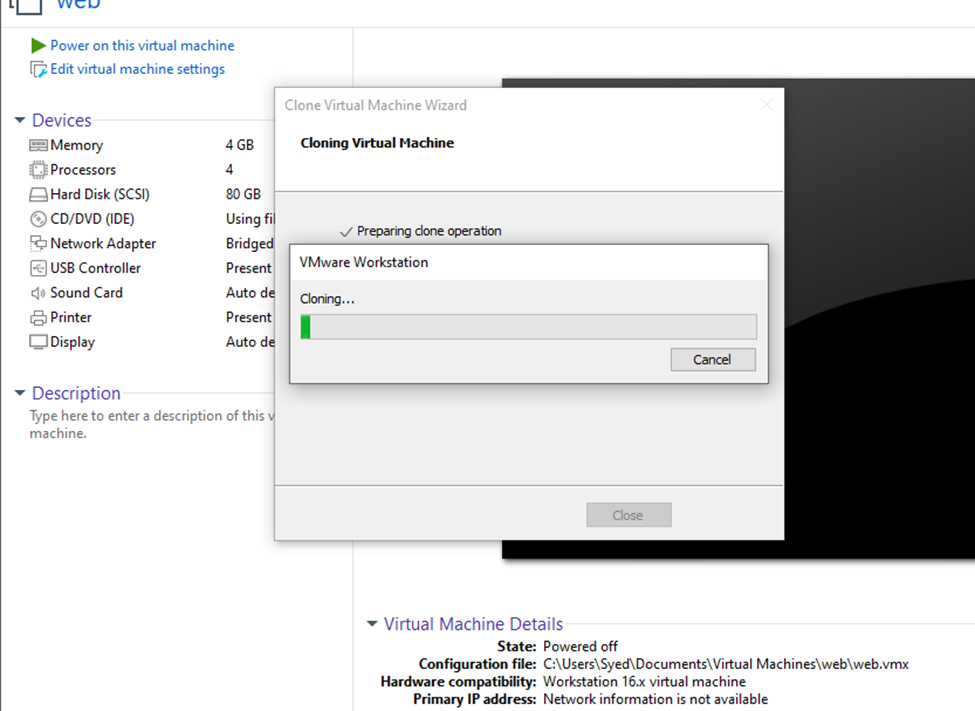
Once the cloning done
Complete Exporting Virtual Machine
Click on file -> Click to export to OVF