
Pihole v5 installation ad-blocker server
addblocker Using for safe browsing
sudo apt update
sudo apt upgrade
sudo apt install curl
Once your system is ready, the installation can be done with only one command, by copying and pasting this into a terminal
The process is almost automatic, but you still need to answer a few questions to adjust your settings
shariq@addblk:~$ curl -sSL https://install.pi-hole.net | bash
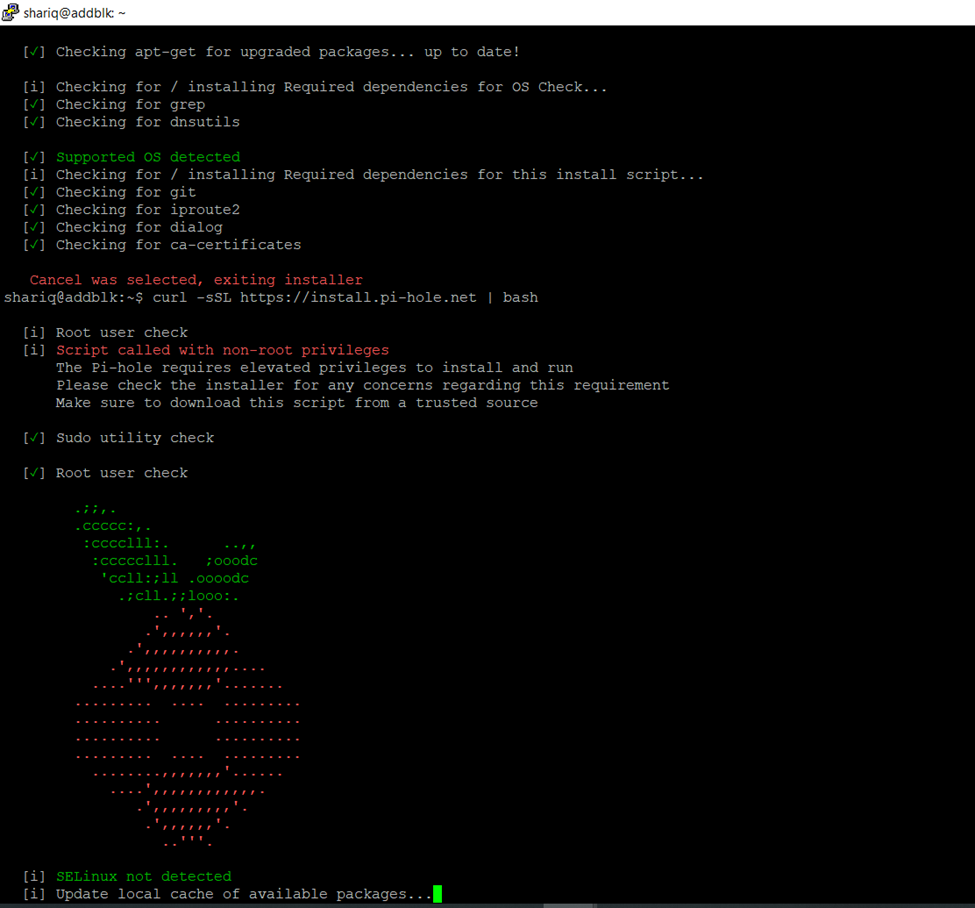
If already installed just need to reconfigure or update if no just click to fresh install
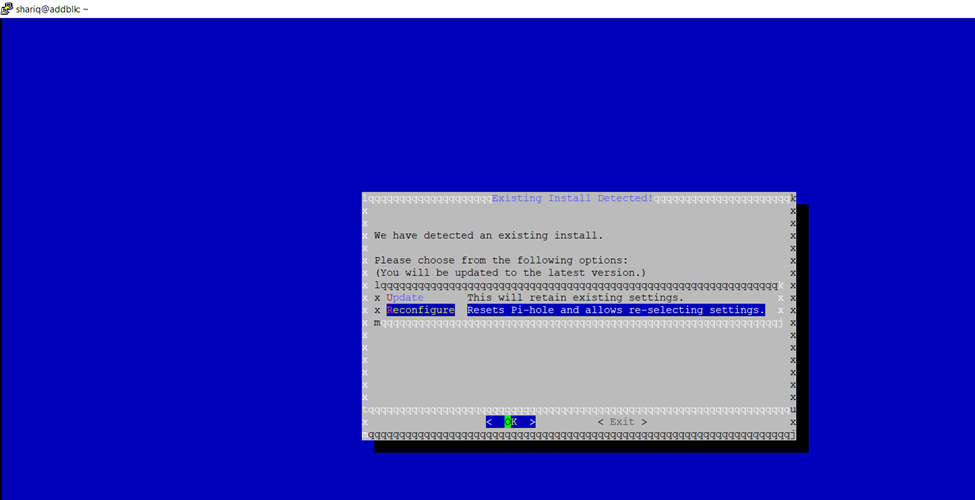
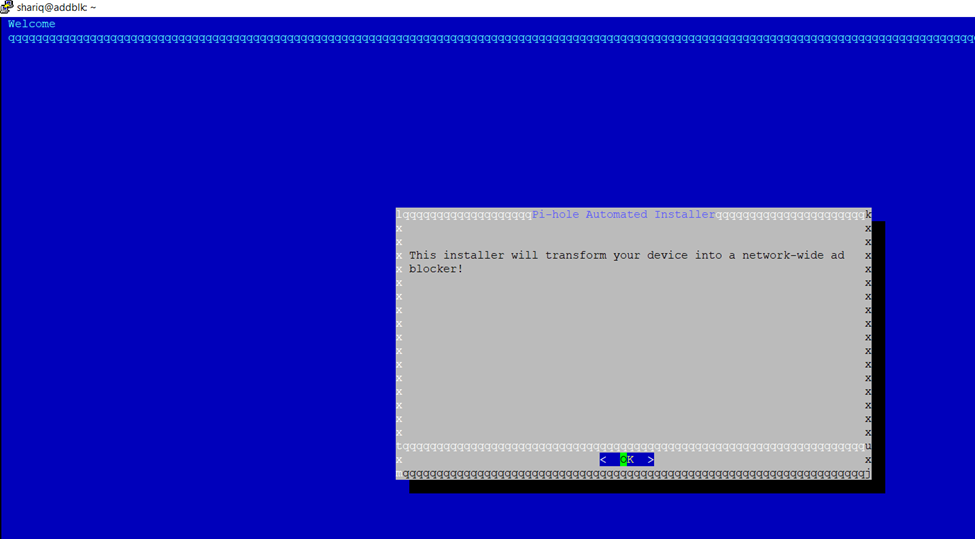
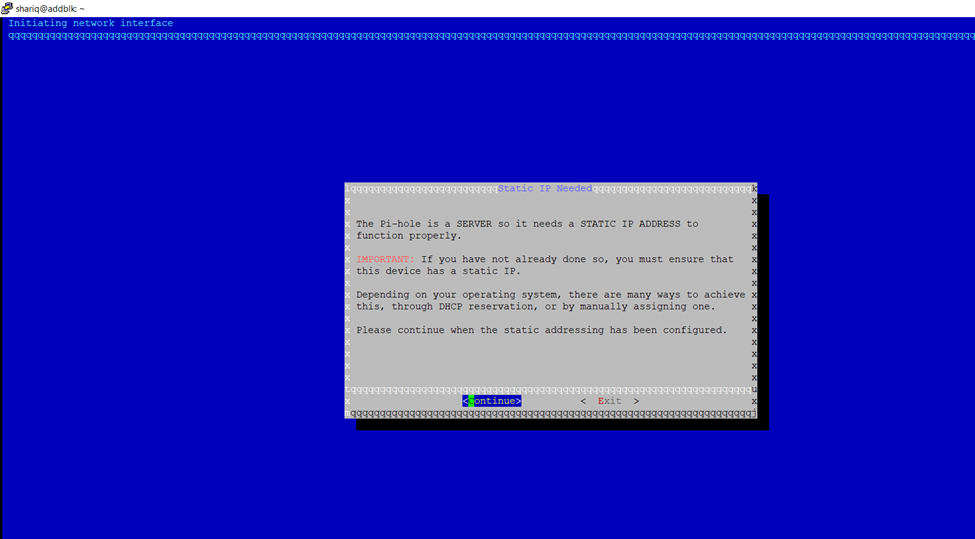
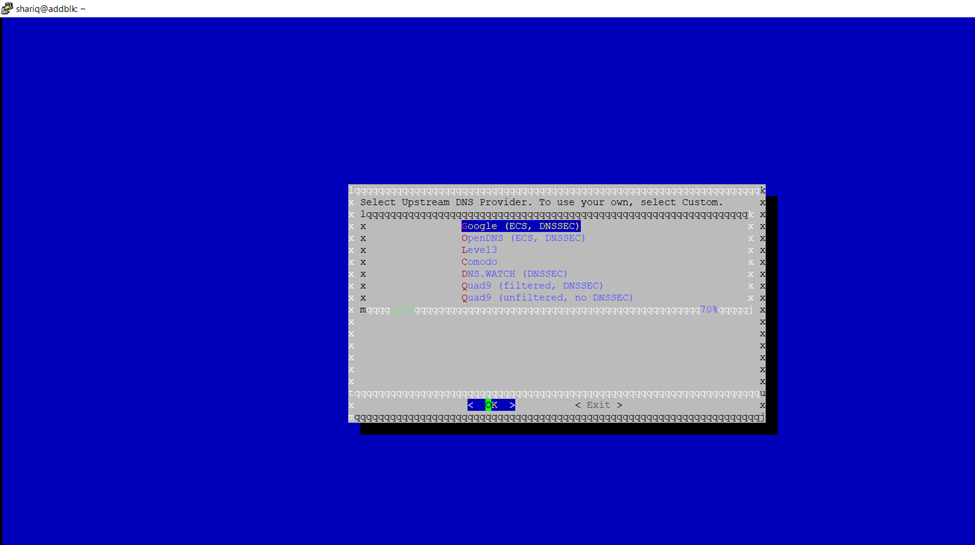
then choose your DNS provider
Can use own custom domain but here I am selecting Google ensdnsec
- Google is fine, but you can choose another one if you prefer.
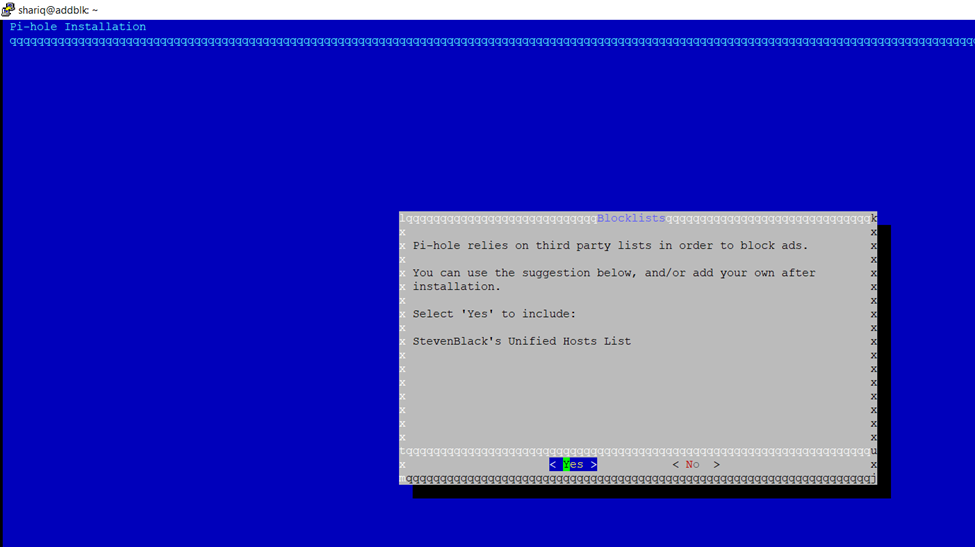
- Pi-hole relies on third-party lists to block ads. By default, it will use StevenBlack’s host list, but you can deselect it if you want (not recommended).
Press Enter to continue (and the space bar to select/deselect). - Then, select the protocols you want to use (I recommend keeping both).
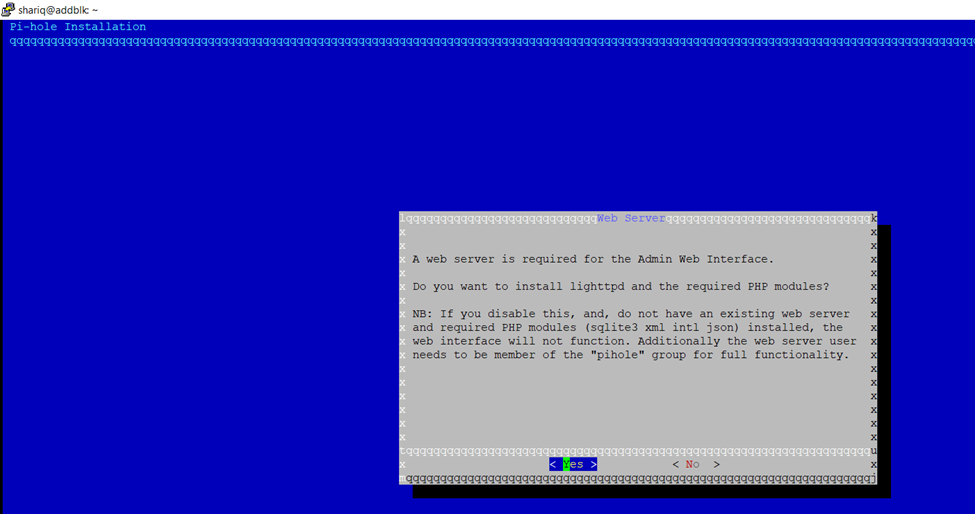
Admin interface
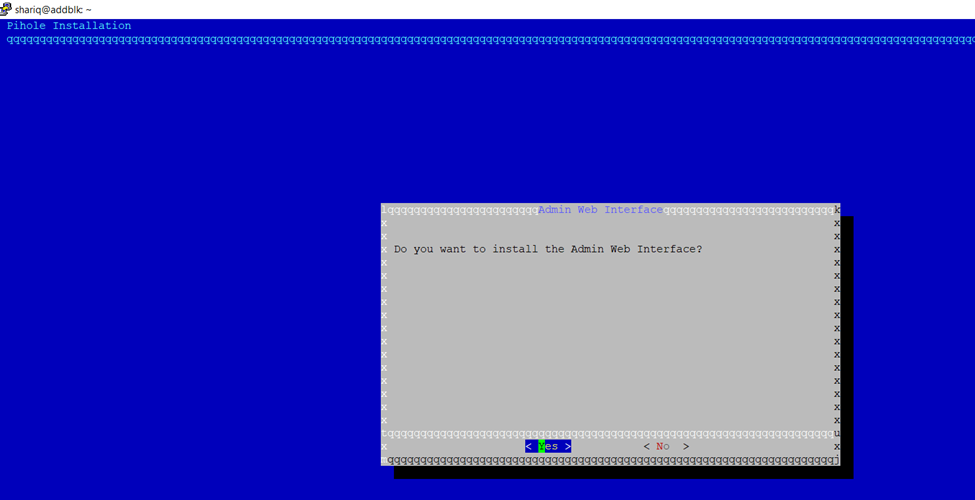
Click to okay required to manage
Enable query login
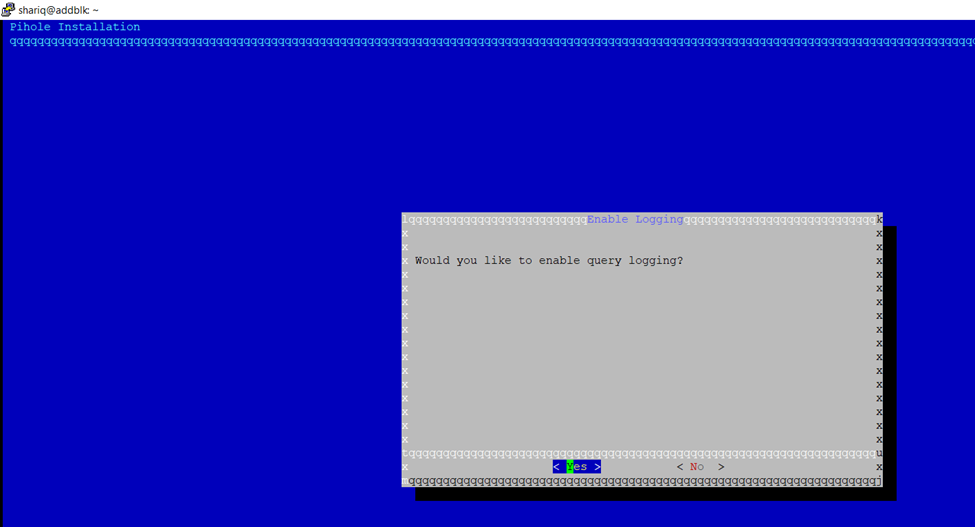
click show complete details
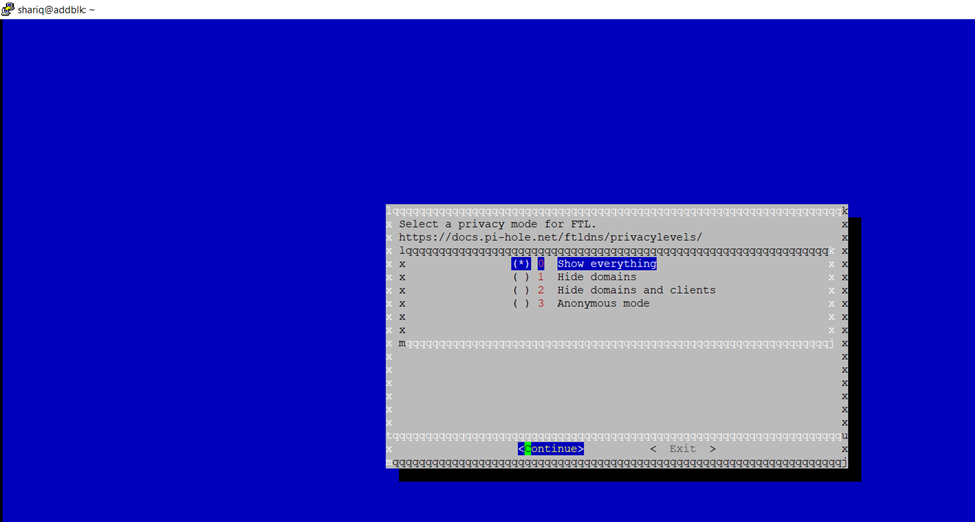
FTL(faster than Light DNS Resolver)
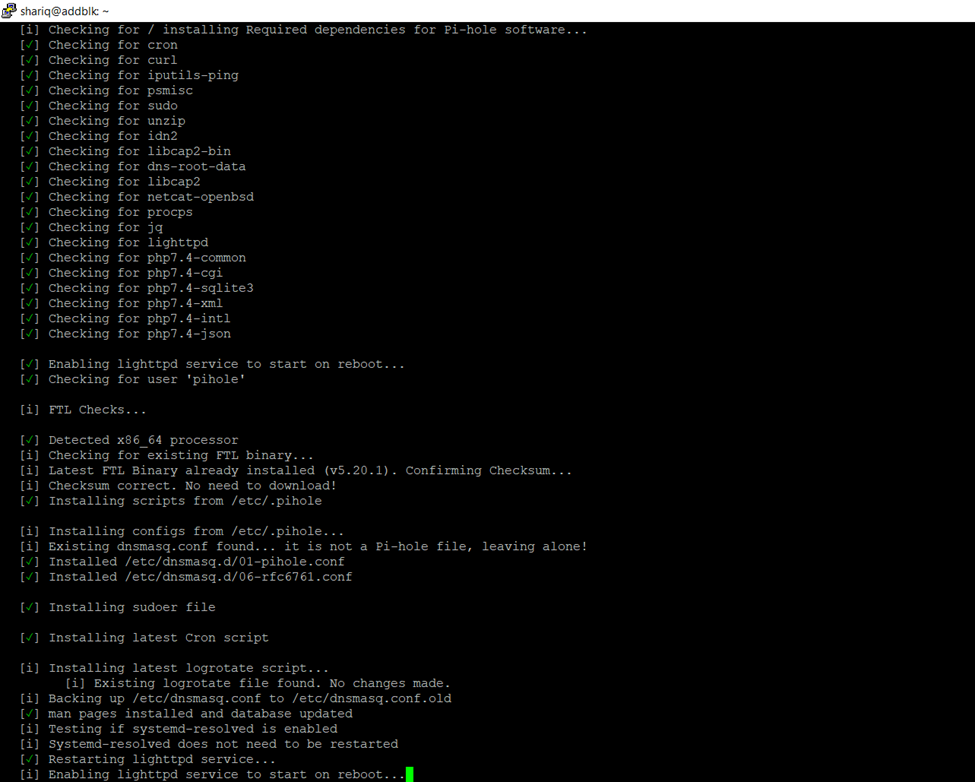
Once installation done Enabling pihole-FTL service to start on reboot
Login from assign Static IP
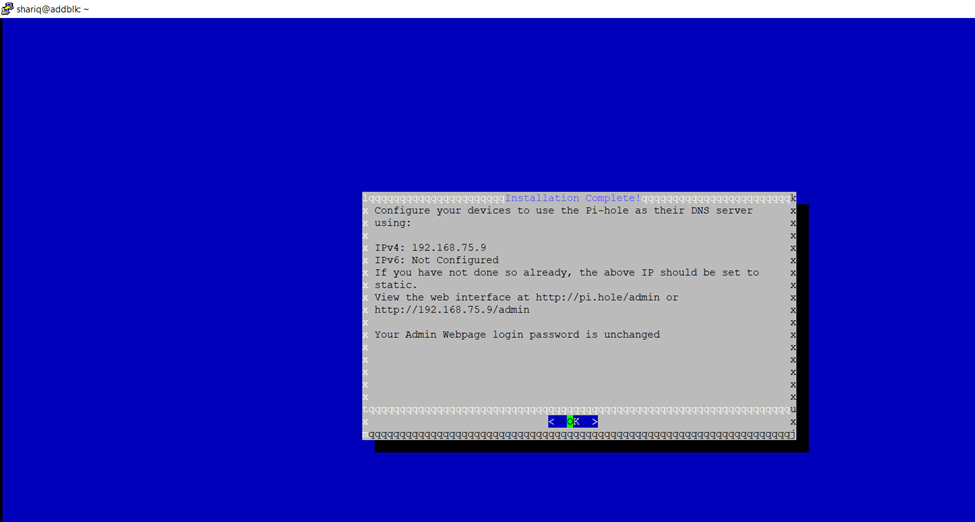
Once installation done have to reset password
sudo pihole -a -p
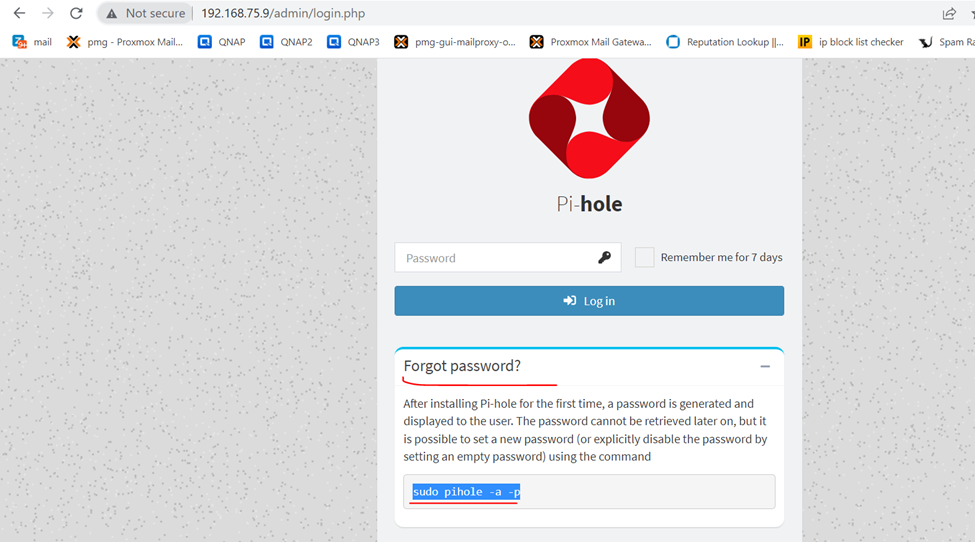
sudo pihole -a -p
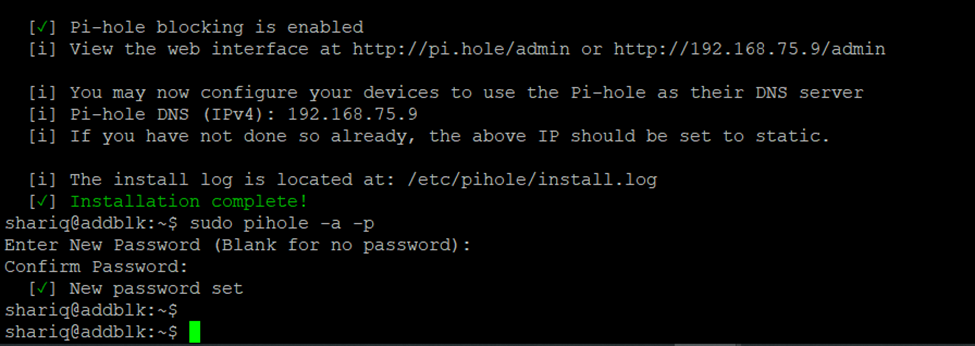
dashboard
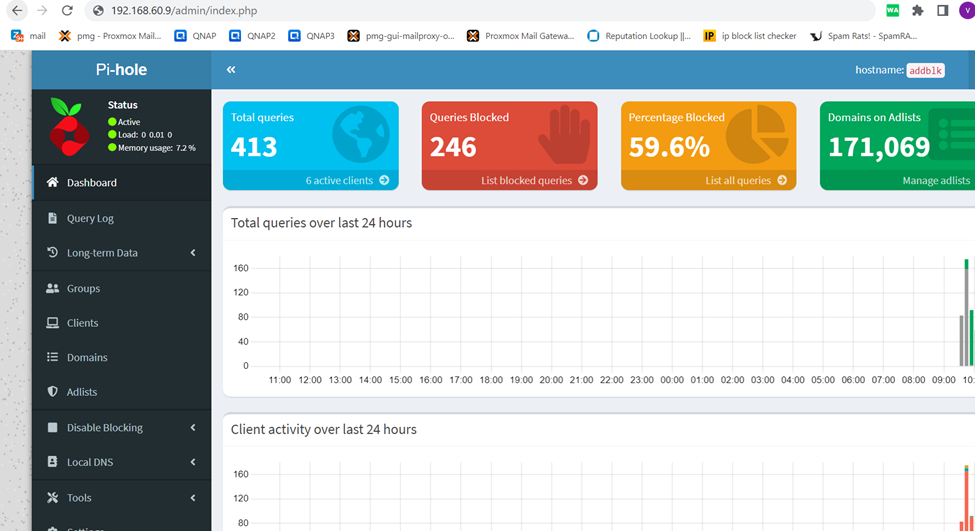
if Pi-Hole is working, you can go to the web interface and check if it’s blocking ads. Another way is to try to access a domain hosting ad (like doubleclick.net) and verify that the Pi-Hole page appears instead of the website content.