
Methods
Press windows key and r key together type cmd or just type in windows search Command Prompt
And press enter key

Once start windows Command Prompt page type
ssh username@host — example it’s dependent on your users

So, now type password and finally you have logged on Linux server using windows commands prompt

Method 2:
You can also use windows Powersheell
Like same steps need to follow as in commands prompt

Connected to Secure Shell

Method 3:
Download Putty or secure shell software Putty.
Start putty type host and required password
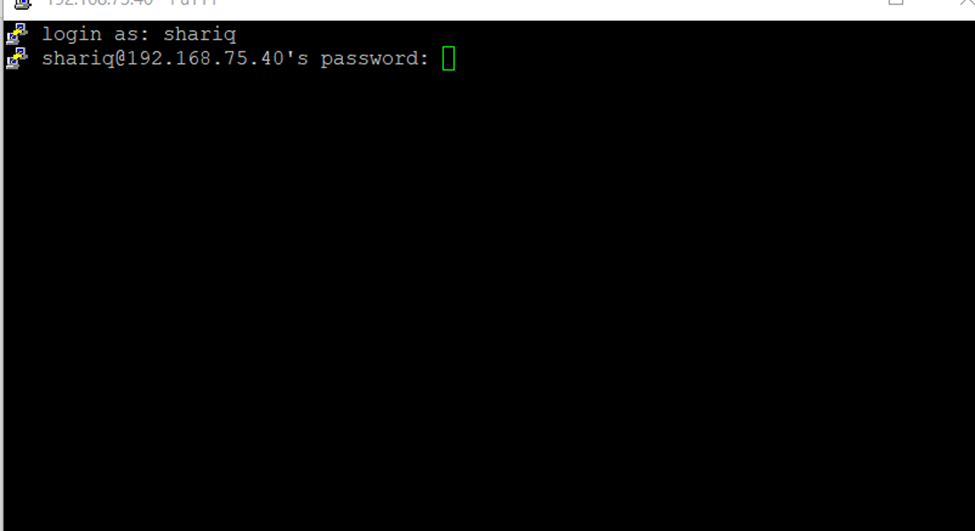
These are the method to connect Secure Shell